Godot Game Feedback

I received positive feedback about the atmosphere, colors, music, and overall feeling of my final project. Many people mentioned that the game felt warm, nostalgic, and visually interesting, which was one of the main feelings I wanted to create while designing the environment and gameplay.

I also received helpful feedback about collision issues, level layout, and navigation. Some players mentioned falling off the map or getting stuck in certain areas, so in future I would spend more time improving the structure of the level, adding reset systems, and making navigation clearer for the player. But I am still proud of the final result and everything I was able to create and learn through this final project in Godot.

My Final Godot Game

I finished my Godot game and added more features and details to improve the gameplay experience. I created two additional scenes, added more decorations and collectible items, and worked on making the environment feel more interactive.
I also added sound effects for collectible items, enemies, player footsteps, and jumping, along with background music to make the game feel more dynamic.

Godot Week 2

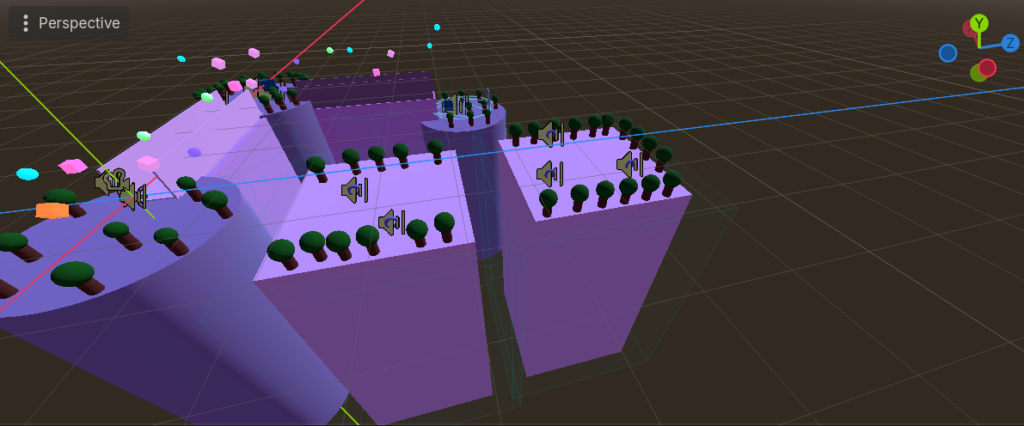
This is my current progress on my game. Right now, the scene includes a few platforms connected by bridges, along with some basic environment elements like trees and objects.
I plan to expand the level by adding maybe more platforms, more decorative elements like trees, and collectible items to make the gameplay more engaging. Also, sorry if the gameplay looks a bit slow, I’m playing on a laptop, so the controls are a bit harder to manage.

Godot Week 1

My game is about being inside a dream and trying to find a way out. This first scene shows a surreal environment with floating objects and a glowing door that leads to the next level.

My microStudio Feedback

My classmates gave me overall positive feedback about my game. They really liked the sprite design, bold colors, and detailed graphics, as well as the smooth animations and clear design of rewards and enemies. Some also mentioned that the game is cute and enjoyable, with creative elements like diamonds used as lives and leaf collectibles. They appreciated the variety in level layouts and found the game easy to understand and visually pleasant. However, a few classmates suggested that the difficulty could be increased as the player progresses, since the game feels a bit too easy overall. Also pointed out a possible issue where the game may not restart properly after finishing and mentioned some confusion about one of the enemy types and their placement.

My Final microStudio Game

The World of Ladybug by MariiaYanovska

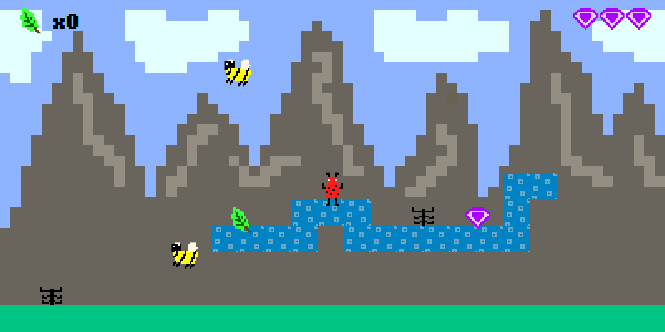
This is a platformer game built with microStudio, where the player controls a ladybug. The goal is to collect leaves and get points while avoiding obstacles like spiders and flying bees.

There are also special items like diamonds that give an extra life. The player can jump on enemies to defeat them, but if the player touches them or falls down, the level restarts.

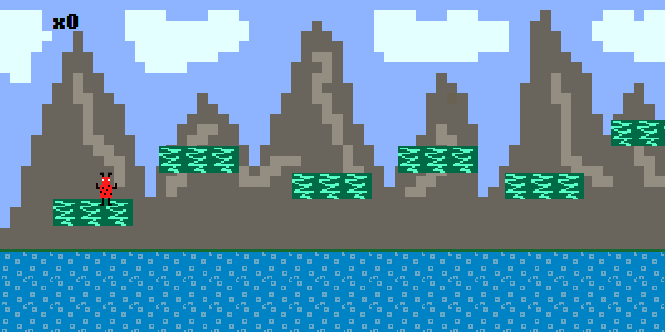
The game has three levels with different platform layouts and enemy positions, so it becomes a bit more challenging each time. At the end of each level, there is a rainbow exit that takes the player to the next level. The game is simple and based on a nature theme, and I plan to improve the design and add more levels in the future.

microStudio Level Progress

My character is ladybug and the goal is to collect leaves to gain points while avoiding obstacles. The main obstacles are spiders that move on platforms and bees that fly in the air. The game also includes special items such as diamonds, which give the player an extra life. If the player touches an enemy or falls off the platforms onto the ground, the level restarts. This is an early version of the game, and more levels and design improvements will be added soon.

My character sprites

This is my character sprite, a bright red ladybug with black spots, legs, arms and small antennae. It has big white eyes and a jumping animation that moves up and down.

My Bitsy Game Feedback

Based on the feedback from my classmates, many people liked the visual design of my game, especially the color palette and the overall atmosphere. Some also noticed the inspiration from The Legend of Zelda, including the Owl character and the idea of collecting crystals from different temples.

However, classmates pointed out that the items, like the key and the crystals, are not currently connected to the game logic, so the player can reach the ending without collecting them. There were also some issues with room transitions that allowed players to skip certain parts of the game.

Since the game is still in development, I plan to connect the items to the gameplay and fix the room exits so the player cannot bypass important parts of the game.

Published
Categorized as Bitsy

My Bitsy Game 2

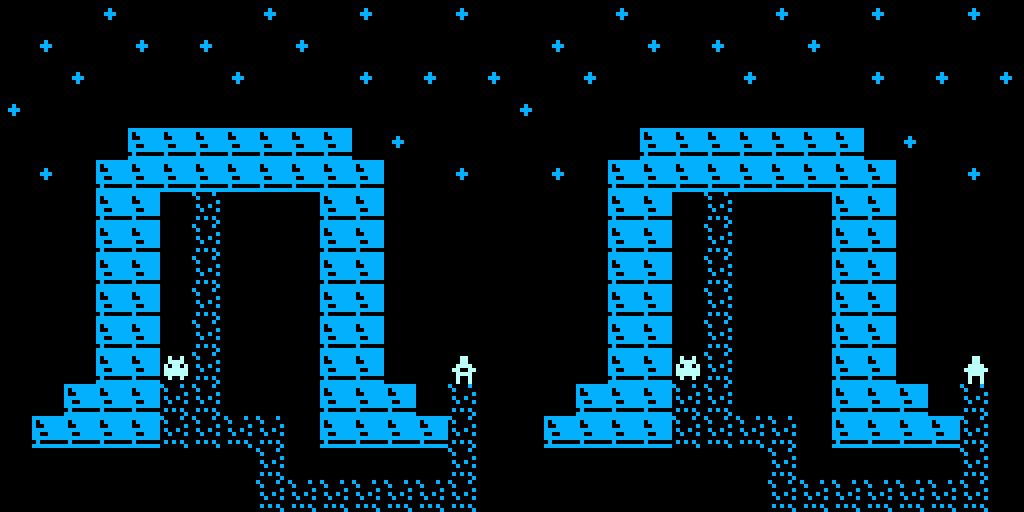
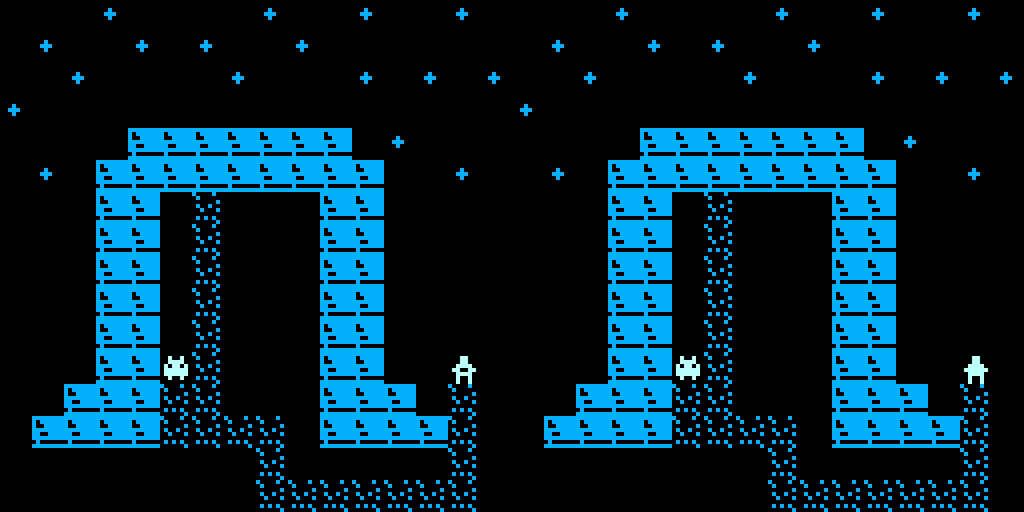
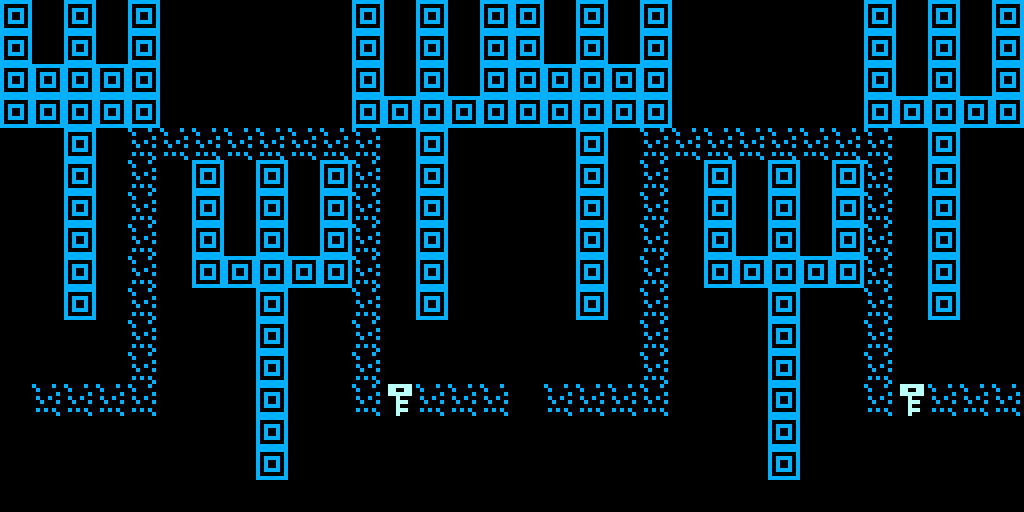
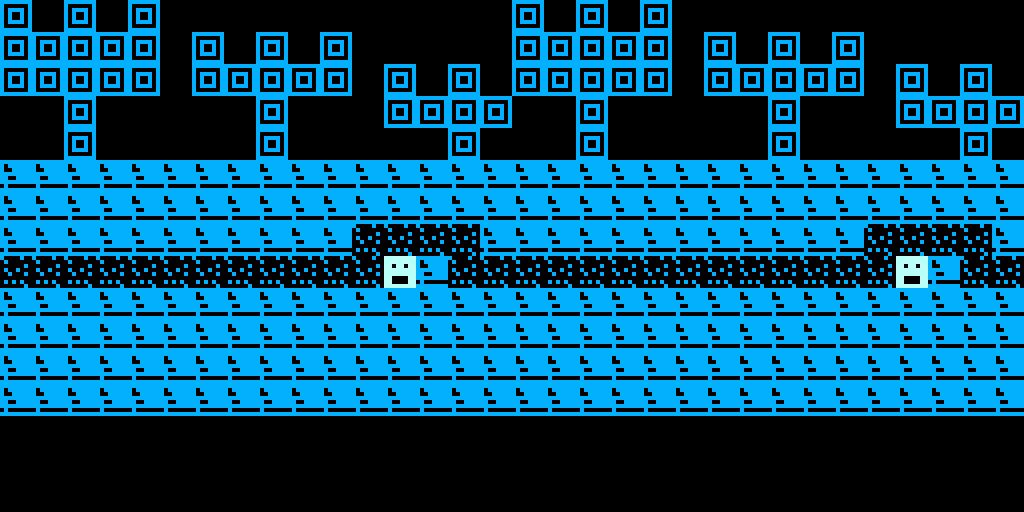
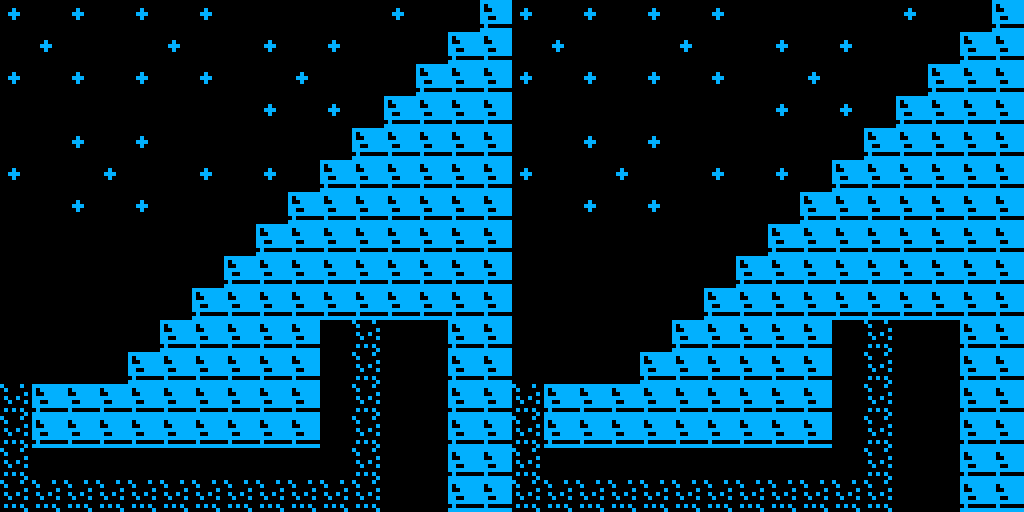
My game includes five rooms where the player explores different environments and interacts with characters and objects. During the journey, the player collects crystals that help open the final gate. In the end, the player returns to their real world.