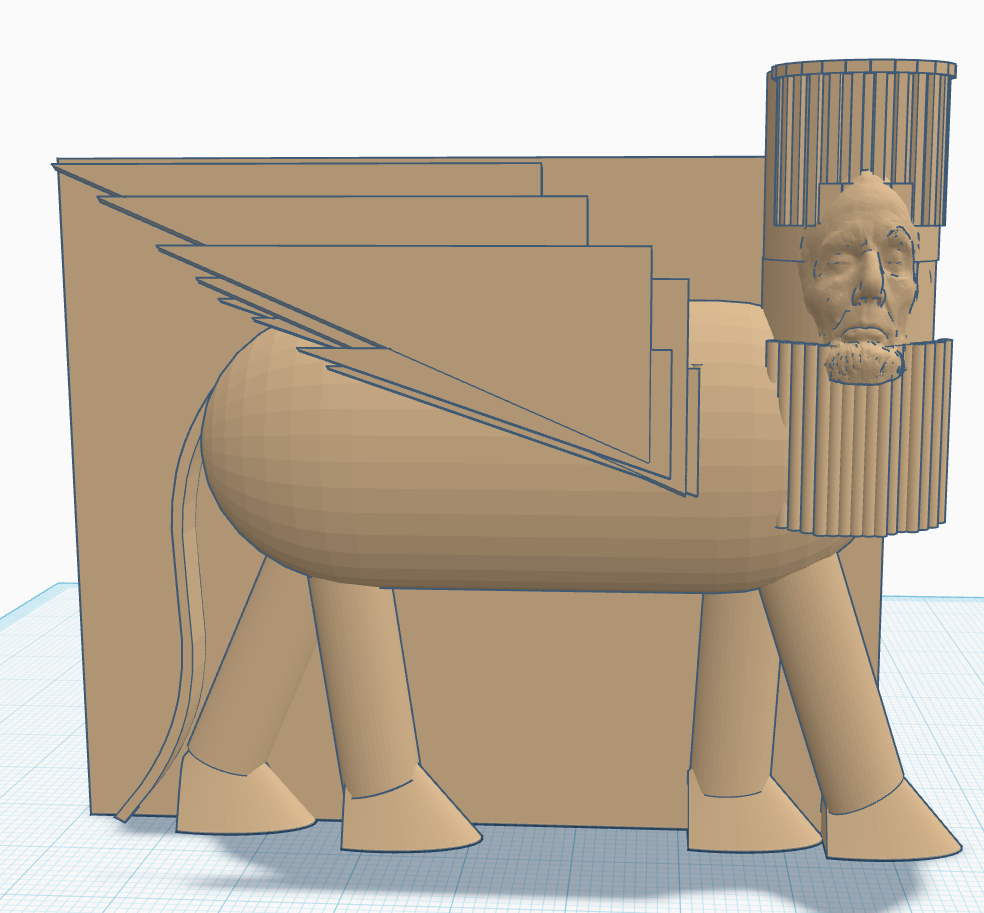
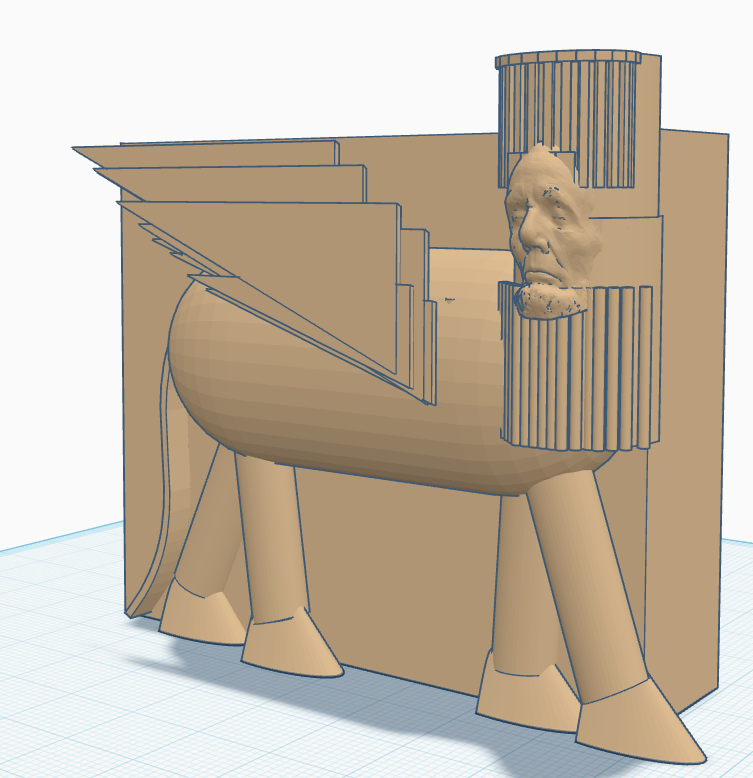
For my 3D modeling project, I chose to recreate a Lamassu, a human-headed, winged guardian figure from ancient Mesopotamian art. I liked how the Lamassu combines animal, human, and architectural elements, which made it a good fit for working with basic shapes in Tinkercad.
I built a simplified version of the body, legs, wings, and overall structure using primitive shapes, grouping, and hole tools. For the face, I used a Smithsonian 3D scan of Abraham Lincoln’s head, since modeling a realistic human face from scratch is extremely difficult. This is meant to be a stylized interpretation rather than a perfect historical replica, and it helped me focus on learning the tools and workflow in Tinkercad.
For next week’s 3D modeling project, I chose to recreate a Lamassu (human-headed winged bull/guardian figure). I’ve always liked how it combines animal and human elements, and I think it gives me a lot of room to experiment with shapes in Tinkercad.
I know the full artwork is very detailed, so I will probably simplify some parts (like the beard patterns and wing feathers) to make it manageable. I’m excited to try building a stylized version rather than a perfect historical replica.
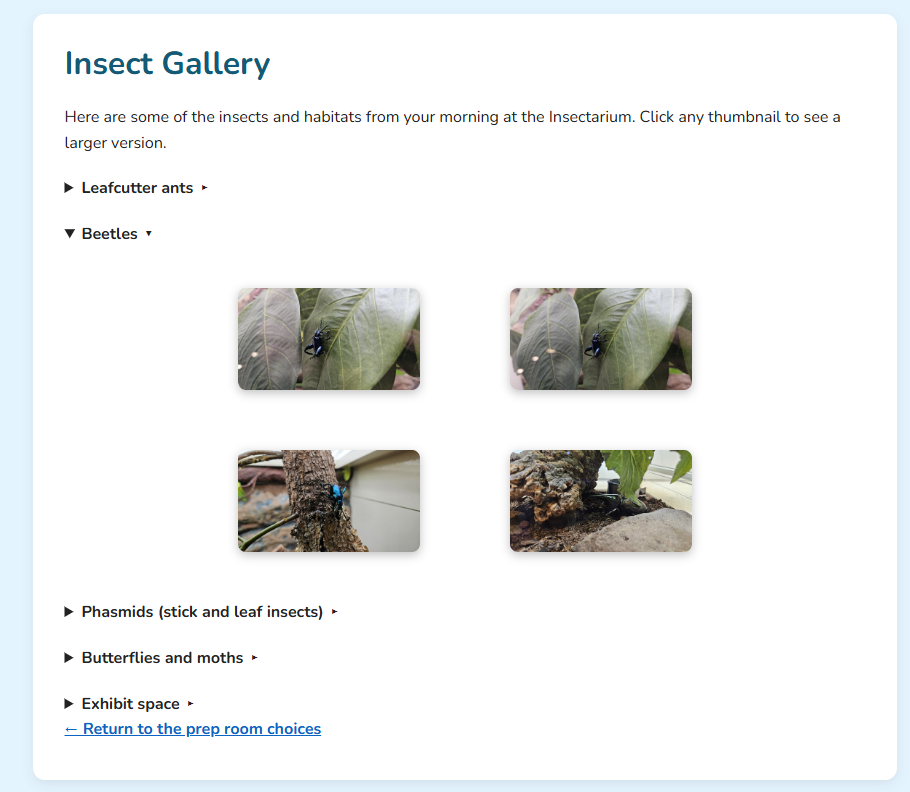
This week I mostly cleaned up some of my HTML, including removing an extra container that wasn’t doing anything. I also added a gallery with a lightbox system. Getting the lightbox to feel intentional took a bit of work, especially adjusting the background, spacing, and borders so the expanded images looked clean instead of accidental. Most of my time was spent refining the layout so the gallery and lightbox feel cohesive and visually consistent.
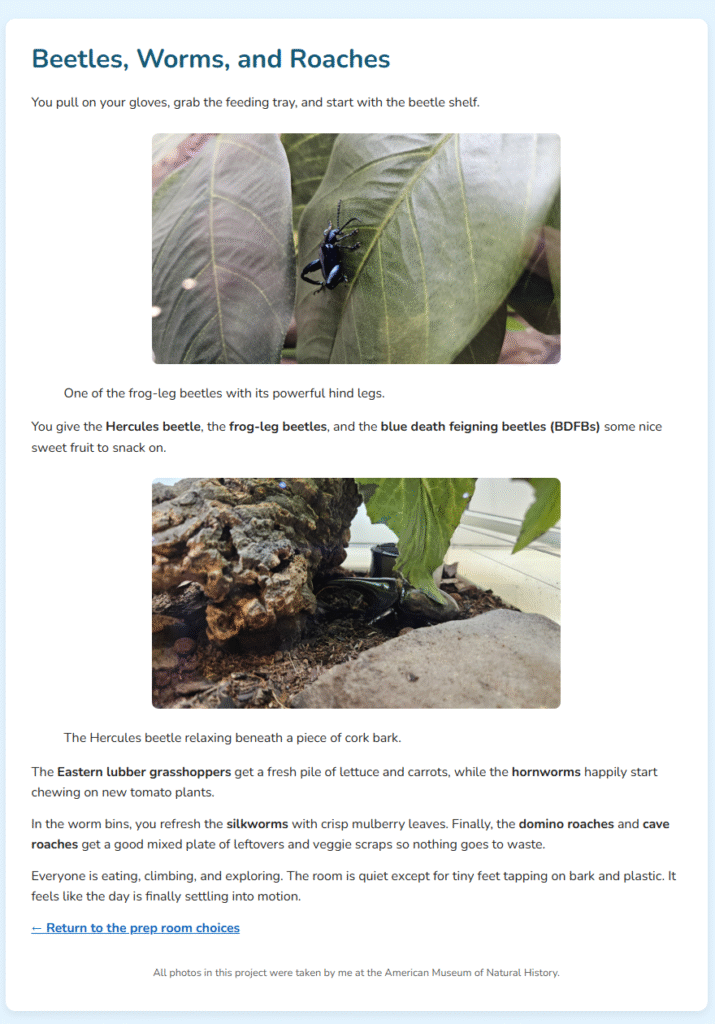
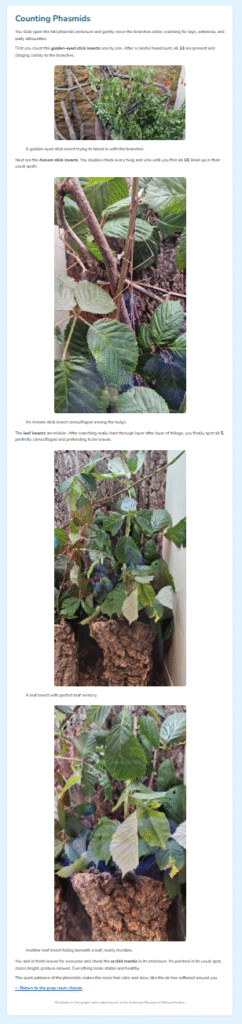
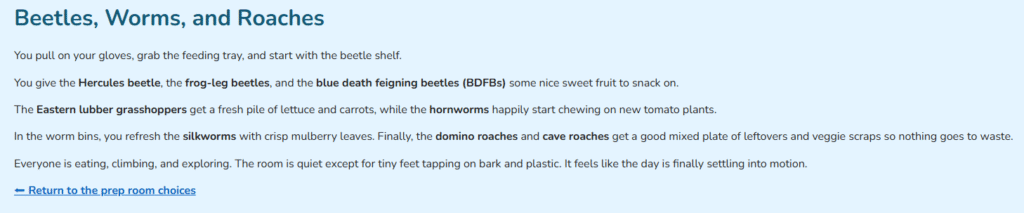
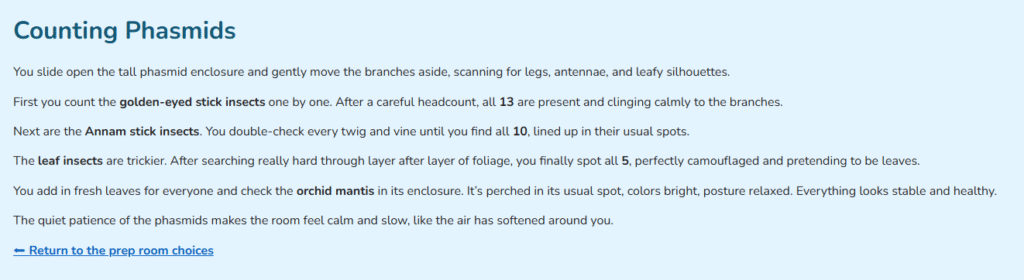
I added some of my own insect photos to each page of my website project and styled them so they fit the layout. I also added a footer on the index page crediting the images as my own.
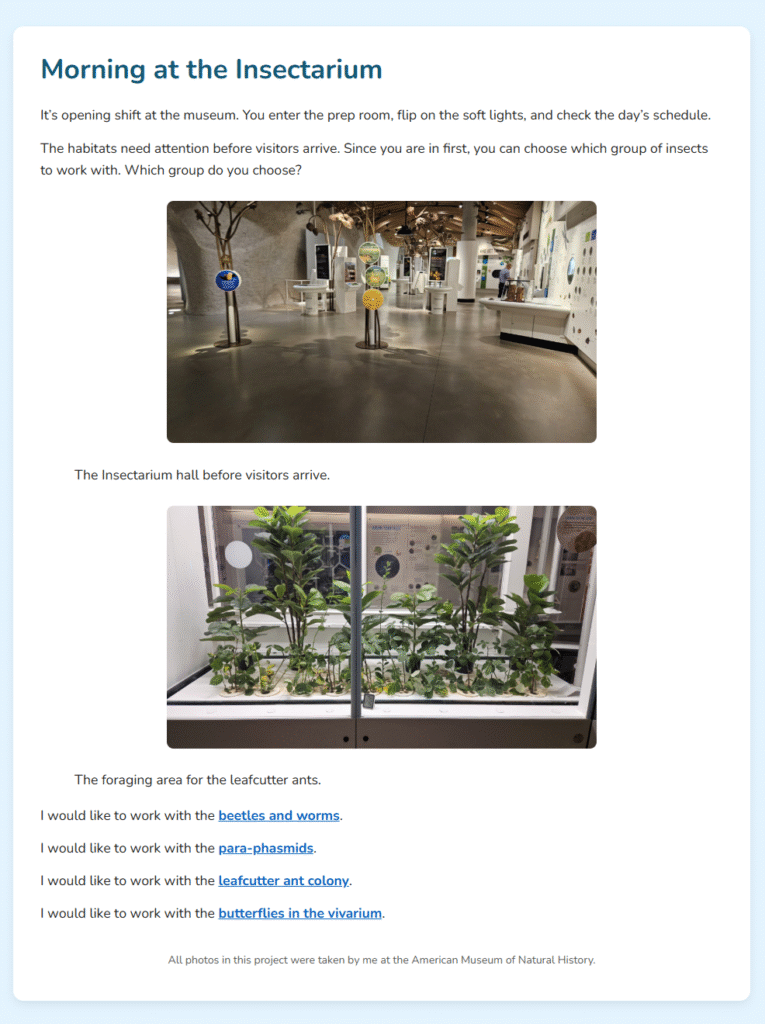
This is my simple website. The story follows an opening shift at the my job at an Insectarium, where the reader chooses which insect group to care for: beetles & worms, phasmids, leafcutter ants, or the butterflies.
Semester and Year: Fall 2025 Software Used: Adobe Animate
For my final animation, I decided to return to one of my earlier Photoshop drafts of Bahía Kino and use what I’ve learned throughout the course to expand and refine it. The animation represents the emotion serenity, expressed through smooth motion and gradual transitions in light and color. The sun and moon rise and fade as the sky shifts from day to night, while the clouds drift slowly and the waves move and dissolve with soft alpha fades. A pelican flaps its wings as it crosses the sky, adding a small but lively detail to the calm atmosphere. My goal was to create a sense of peace and reflection through gentle, rhythmic movement and subtle transitions.
While working on the project, my FLA file became corrupted and I had to rebuild parts of the animation. In the process, I learned how to animate individual symbols, which helped me animate a swooping pelican. I also edited and reused cloud elements directly within Animate to give the scene more depth and continuity.
For this draft, I extended the animation and exported it as a video instead of a GIF. I tried to vary the pulse lengths so each one gradually slowed, and added a bit of movement to make the light feel more alive. I played around with the background more, and it now fades into a super dark blue, almost black, while the light slowly disappears. I think the object is centered properly now as well. While I’m not completely happy with the movement, it does return to the center by the end.
I wanted to create a simple rhythmic animation without much movement. I actually had some trouble getting the pulsing effect to work while keeping the object centered.
Semester and Year: Fall 2025 Software Used: Adobe Audition
Description: This piece represents the four seasons through layered environmental sounds. I tried to emulate different moods for each season, soft spring rain and birdsong to the hum of summer cicadas, autumn storms, and the warmth of winter indoors. I added some human elements when I wasn’t sure the natural sounds alone clearly conveyed the season as a kind of clue.
While editing in Adobe Audition, I crossfaded most clips to smooth the transitions and adjusted individual volumes since many of my chosen recordings were naturally quiet. I experimented with different gain and normalization options, testing what would make the piece feel full without distorting. After a lot of fine-tuning, I applied normalization to the full mix so the quieter layers could be heard clearly even at normal listening volume, with the loudest peaks capped at –0.1 dB.
Credits: Spring Sounds: “Amb HRTF.wav” by Wildhorsemann — Freesound — License: Creative Commons 0
“Small suburban stream with birds” by gaetanh — Freesound — License: Creative Commons 0
“QuietRain.wav” by JKata — Freesound — License: Creative Commons 0
After experimenting with a few effects and edits, I decided to keep the mix close to its original arrangement. It best reflected my memory of that morning in upstate New York, where sounds blended naturally rather than perfectly. The footsteps were softened by socks, the rain and wind shifted in volume, the dog’s dreaming got surprisingly loud, and the cat’s bell could only be heard occasionally. This version feels closest to how I remember that morning.
The main change in this version was cutting one of the forest rain tracks earlier, which made the loop more natural and less noticeable. Overall, I felt this approach best captured the balance of nature and home life that I wanted the piece to convey.