My Choose your own adventure was inspired by me being a marketing major and preparing to start a marketing internship in spring. I also love watching the NBA and want to work there one day, so I set the adventure as if the person viewing the website is preparing to work for the NBA. It was kind of difficult for me when I was applying color to my text, all of my text wasn’t getting the same color, however, once I was able to get help from the professor and get a solution, everything after (text, margin, media, etc.) was easy to do.
For this project, I recreated a simplified 3D interpretation of Unique Forms of Continuity in Space by Umberto Boccioni using Tinkercad. Boccioni’s original sculpture represents the Futurist idea of movement, energy, and continuity through space rather than a realistic human figure. My goal was to translate those same ideas into a digital 3D model by focusing on posture, balance, and abstracted body forms while working within the limitations of basic geometric shapes.
Design Process
I began by studying multiple reference images of Boccioni’s sculpture to understand its stance, forward motion, and exaggerated leg movement. In Tinkercad, I constructed the figure using a combination of basic shapes such as cylinders, boxes, and rounded forms. Each body section head, torso, hips, legs, and feet was created separately and then scaled, rotated, and aligned to create a dynamic walking pose. I intentionally angled the legs and bent the knees to suggest motion and forward momentum, which is a key characteristic of the original sculpture.
To support the figure and improve stability, I added a rectangular base beneath the feet. This base not only grounds the sculpture visually but also mirrors how traditional sculptures are often displayed in museums. I adjusted proportions carefully so the sculpture remains balanced while still appearing to move forward, capturing the Futurist theme of energy and progression.
Final Outcome
The final model successfully represents movement and continuity through abstract form rather than realism. While the shapes are simplified, the forward lean, bent legs, and segmented body create the illusion of motion through space. This project helped me better understand how 3D design tools can be used to convey artistic concepts, not just physical accuracy. Recreating a famous sculpture in Tinkercad challenged me to think critically about form, structure, and spatial relationships in three-dimensional design.
Documentation
Screenshots of the completed 3D model created in Tinkercad are included in the OpenLab post. These images show the sculpture from different perspectives and demonstrate the use of multiple 3D design tools, including scaling, rotation, alignment, and grouping.
Reference
This project was inspired by Unique Forms of Continuity in Space (1913), a Futurist sculpture by Umberto Boccioni. The original artwork emphasizes motion, speed, and the flow of energy through space, which I translated into my own simplified 3D interpretation. The reference link is below:
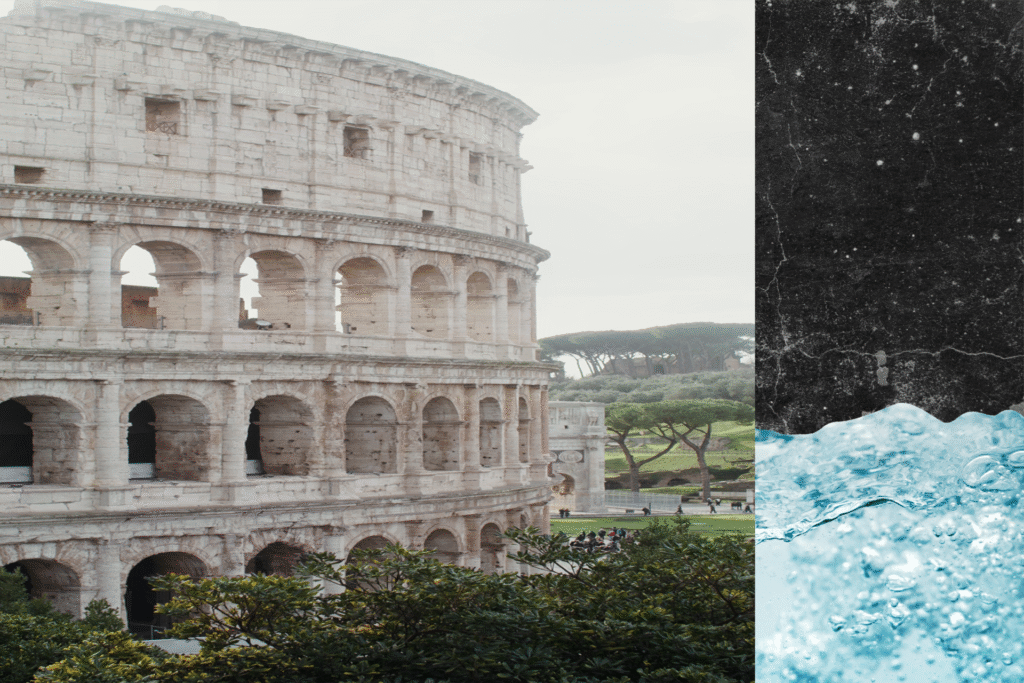
For this project, I created a digital composition that focuses on texture, contrast, and visual mood. I used an image of the Colosseum as the main subject because of its strong structure, history, and recognizable form. I wanted the image to feel aged and atmospheric, so I combined it with grunge and distressed textures to give the piece a vintage and slightly worn look.
The background textures add depth and contrast to the photograph. The rough, dark textures on the side help frame the lighter stone of the Colosseum and draw attention to the main subject. I also included a water texture to introduce contrast in both color and feeling. The water adds a sense of movement and freshness, which balances the heavy, historic stone structure.
Throughout the process, I experimented with layering, blending, and placement to make sure each element worked together without overpowering the main image. This project helped me better understand how textures can change the mood of an image and how combining different visual elements can create a more interesting and cohesive design.
Overall, this project allowed me to practice working with layers and textures while developing a stronger sense of composition and visual storytelling.
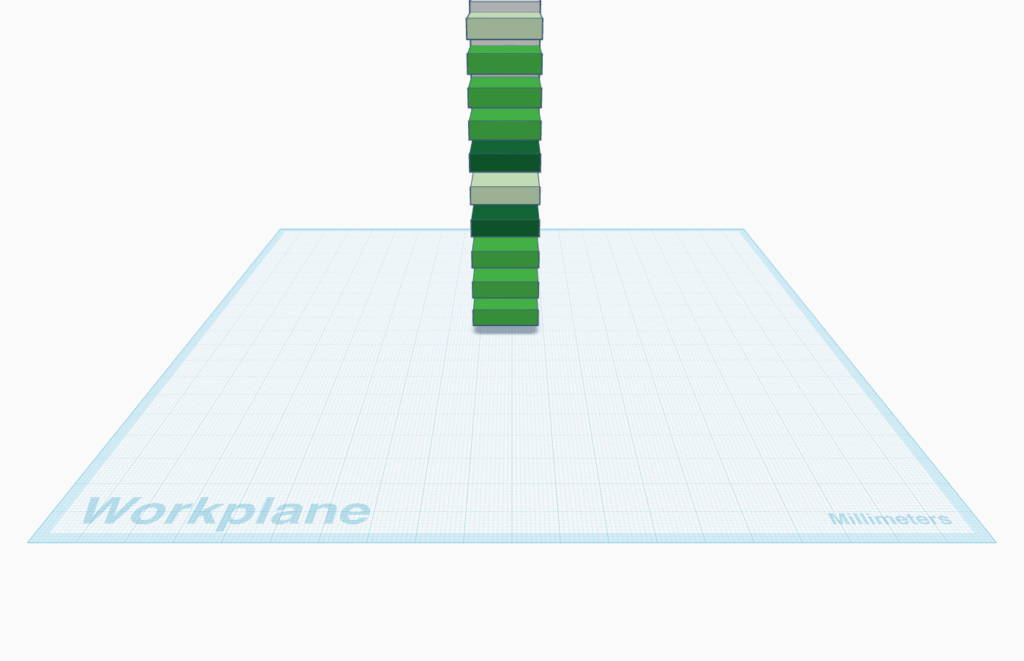
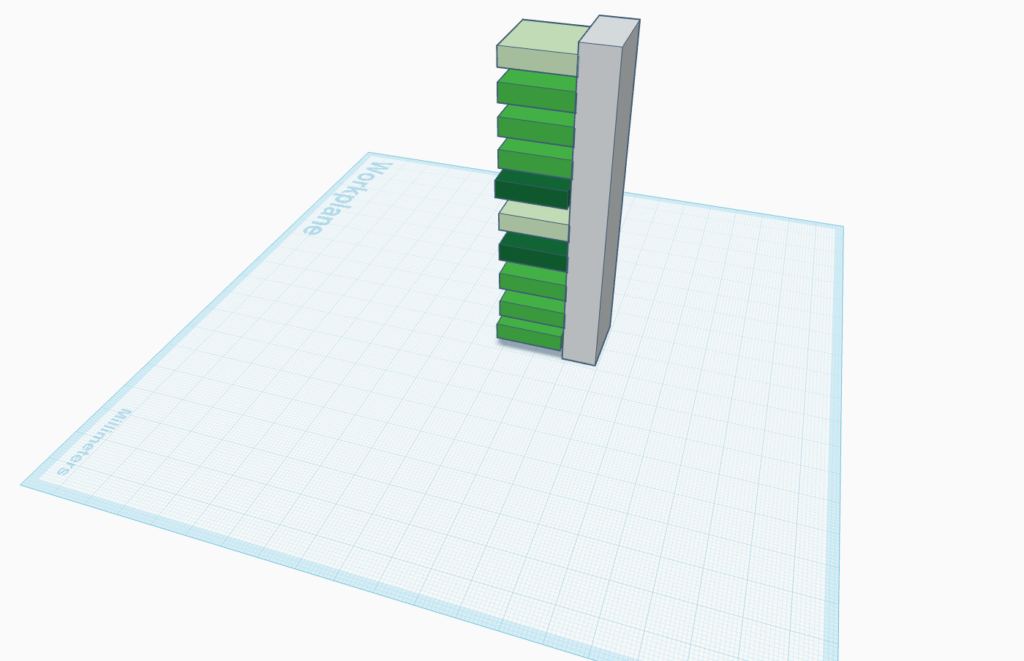
I was inspired by Donald Judd’s piece, Stacks. I like the color and the repeating boxes. It was a fun exercise trying to align the boxes to look like the original. Sadly Tinkered does not have the hues that make the piece pop!
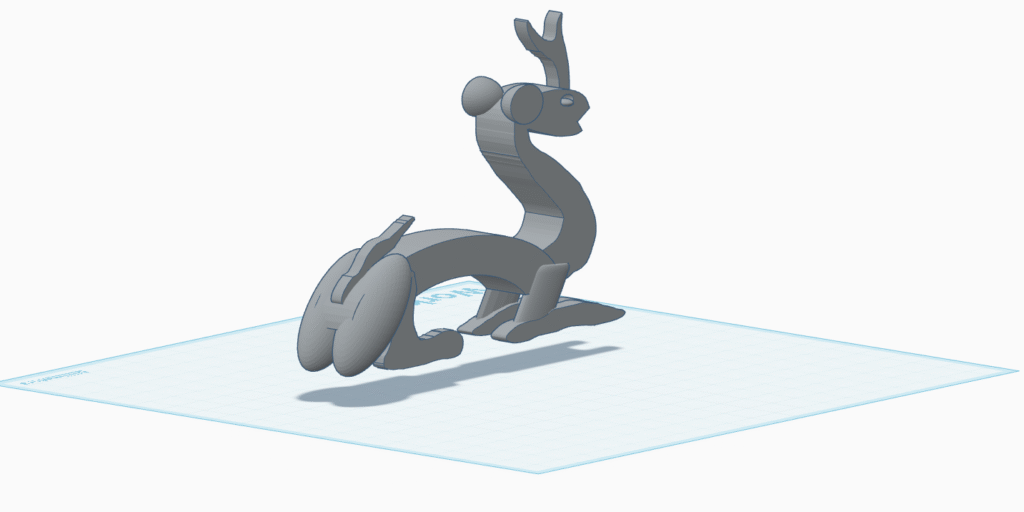
This 3D modeling project based on the Qilin sculpture became a really unforgettable experience for me. At the beginning, I chose a female sculpture, but as I worked on it, I felt that it wasn’t challenging enough. When I continued looking at other sculptures, I decided to use the Qilin as the reference for this project.
The Qilin represents good luck, and I hoped that my final project would also bring good luck. However, the creation process was not as smooth as I expected. The curved body and the limbs were especially challenging for me. Even after I finished the model, I realized that the website didn’t save my final version, so I had to spend another hour rebuilding the model from scratch.
Fortunately, everything worked out in the end, and I was able to complete the project successfully. In a way, the final result matched the meaning of the Qilin itself—bringing good fortune after difficulties.
My choose your own adventure was about a student who had the choice of going out and exploring NYC on a fall day. They could have went out with friends, or stay home and read or venture into the park alone.
Cat resting in sofa, by Emma0mb, 13, DEcember 2022. no changes made https://commons.wikimedia.org/wiki/File:Cat_in_sofa_at_Cat_Cafe_Nyankoto.jpg
Fall Foliage Central Park New York City, Bow Bridge, U.S.A. 26 October 2018 by IIP Photo Archive https://commons.wikimedia.org/wiki/File:Fall_Foliage_Central_Park_New_York_City,_Bow_Bridge,_U.S.A.jpg
Fall in New York City by Karla Alexander copykarla 16 January 2017 https://commons.wikimedia.org/wiki/File:Fall_in_New_York_City_(Unsplash).jpg
A British Pub Selling Mulled wine and Mulled Cider by Kyral, 11 December 2015 https://commons.wikimedia.org/wiki/File:British_Mulled_Wine_and_Cider.jpeg
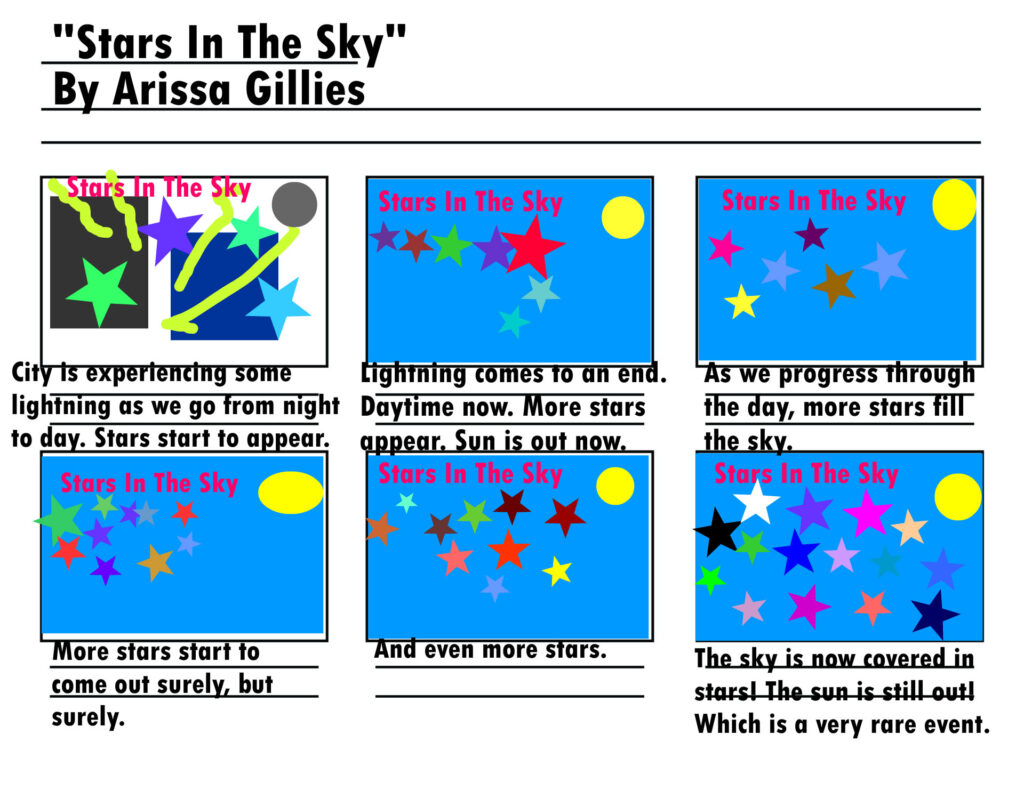
For my animation, I wanted to highlight the transition from night to daytime with some rare elements. I started off my animation with it being nighttime and lightning outside. Slowly, the background begins to change from grey to blue, signifying that it’s daytime. The sun replaces the moon in the top right of the screen and the lightning ceases. As the day progresses, more and more stars start to fill out the sky. Colorful stars might I add. Finally, the sky is fully coated in colorful and bold stars in a rare event as the sun and stars are rarely ever out at the same time. It was kind of hard trying to figure what to add to the animation as the title is so specific, but I decided to add more things regarding the sky. I wanted to highlight the sky in a different rather than the usual way.
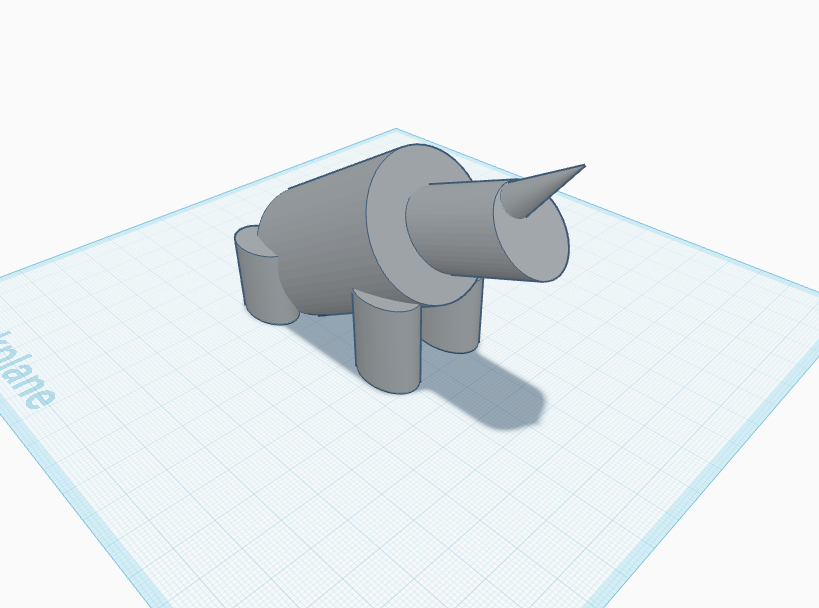
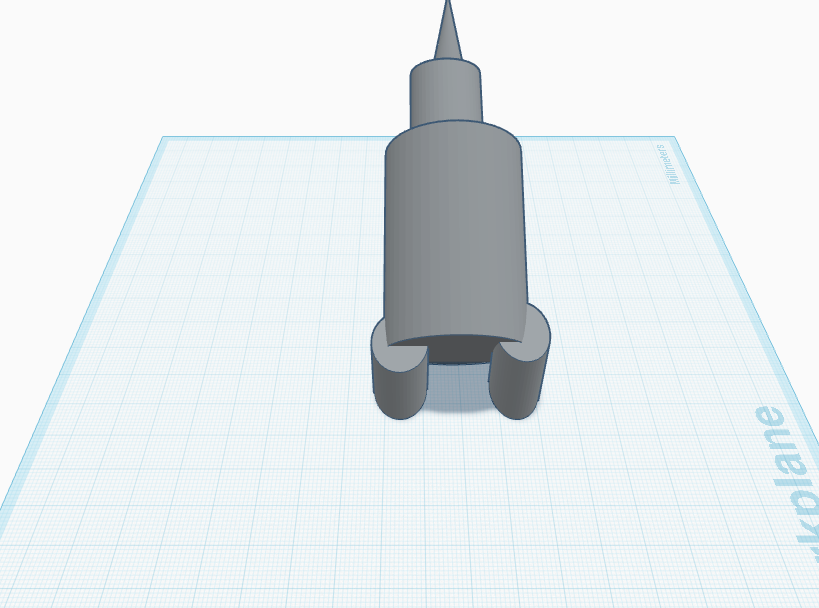
This is a simplified 3D recreation of the Rhinocéros (Jacquemart) sculpture made in Tinkercad. I focused on the main shapes and proportions of the rhinoceros rather than detailed features.
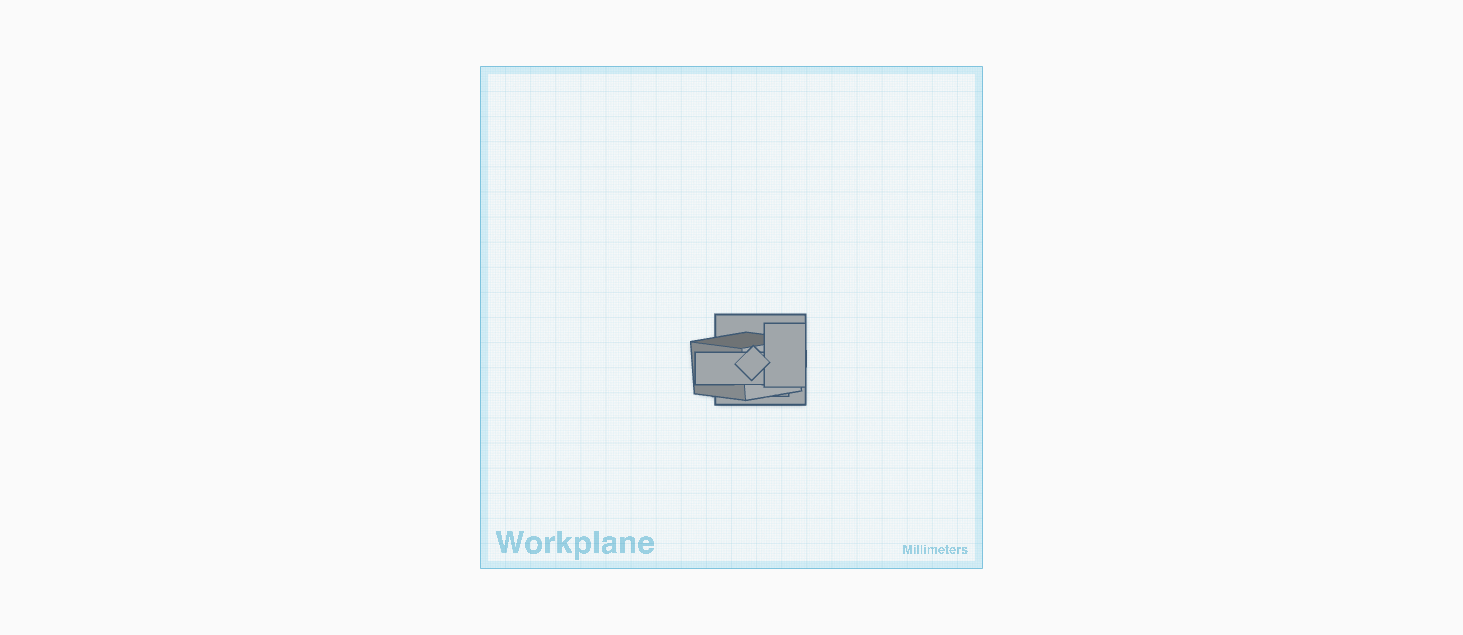
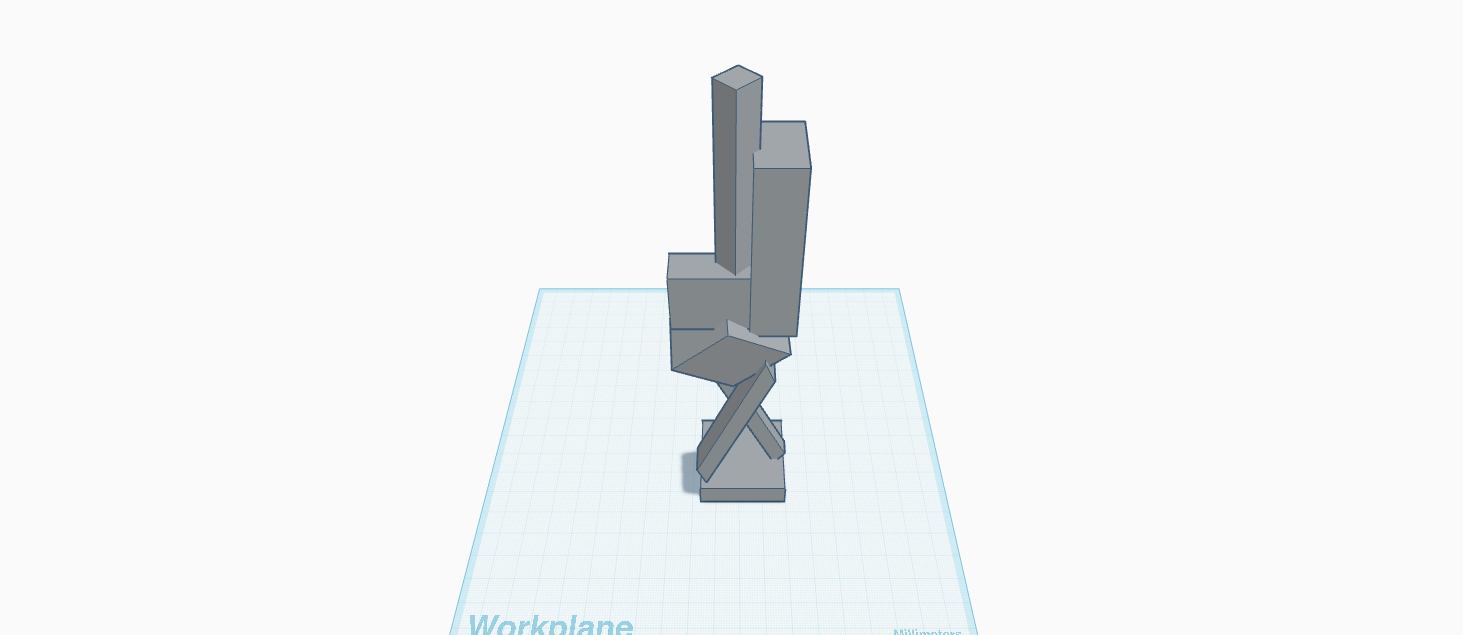
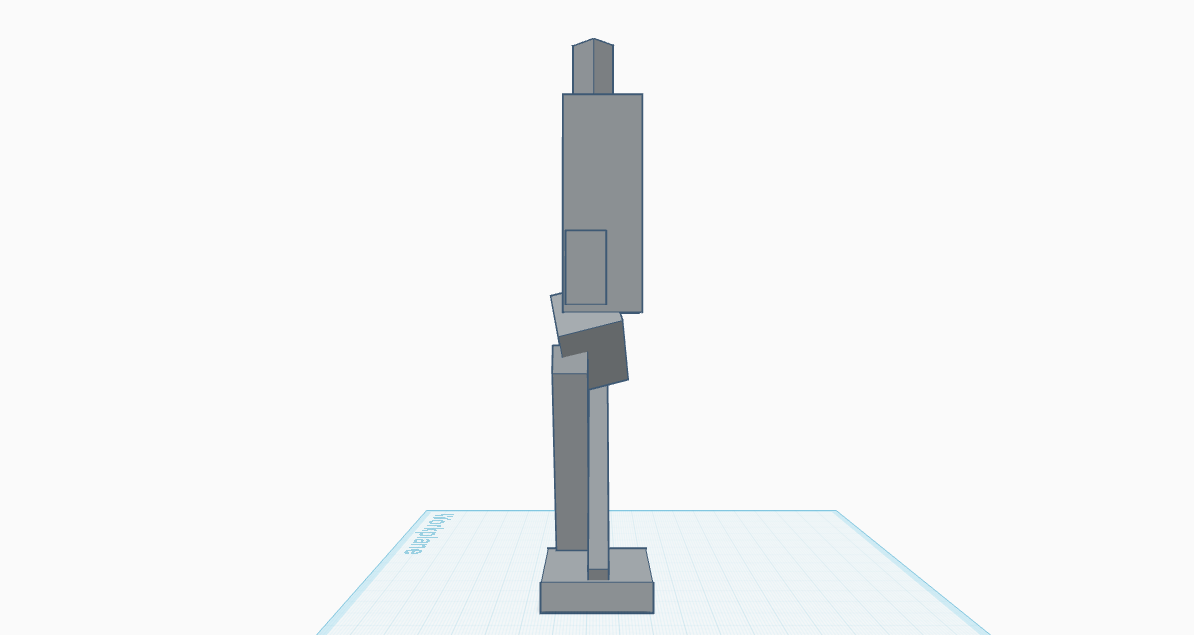
For this project, I recreated CUBI VI (1963) by David Smith using only boxes to make the stacked shapes. I picked this sculpture because I wanted to try recreating its vertical and abstract design. It was tricky to get all the blocks stacked and rotated just right, even though I was only using rectangles. I used Tinkercad to carefully place each box so the model looked balanced and close to the original.