
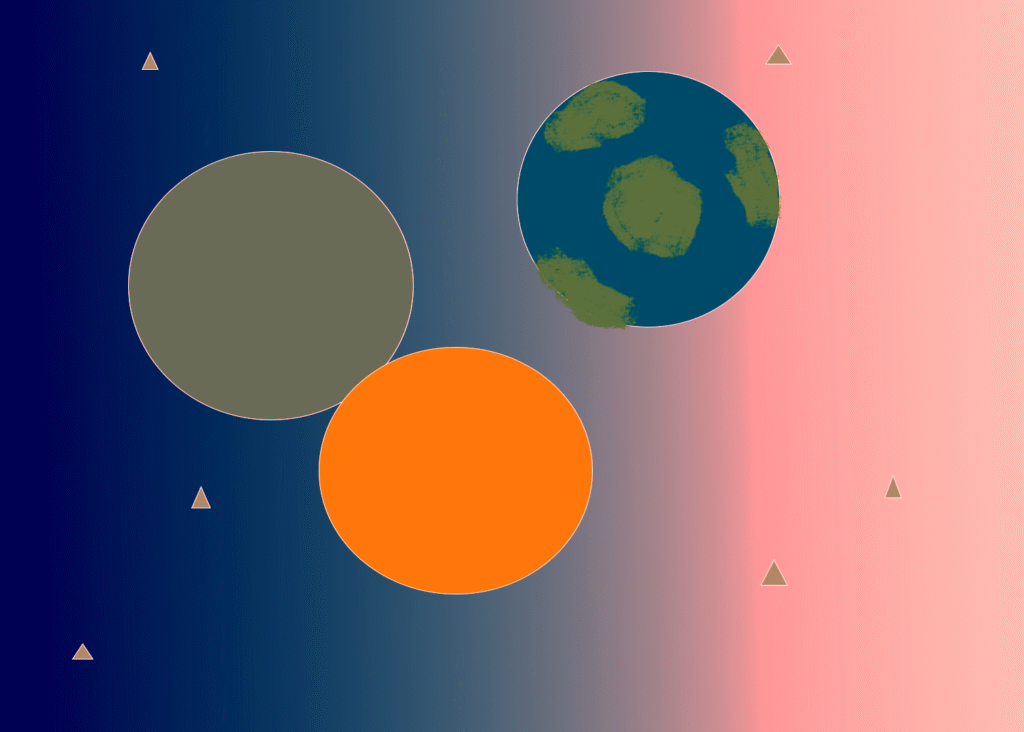
For my abstract composition I wanted to draw space. I drew some planets. I used the eclipse shape tool to make the planets and the triangle tool to make the stars. I also used the gradient tool to make the background.
Introduction to Multimedia
For my abstract composition I wanted to draw space. I drew some planets. I used the eclipse shape tool to make the planets and the triangle tool to make the stars. I also used the gradient tool to make the background.

For my first abstract composition, I enjoyed exploring the capabilities of different appearance properties for my basic and custom shapes. The stroke options allowed me to freely style the way my shapes appeared around the inner and outer edges.
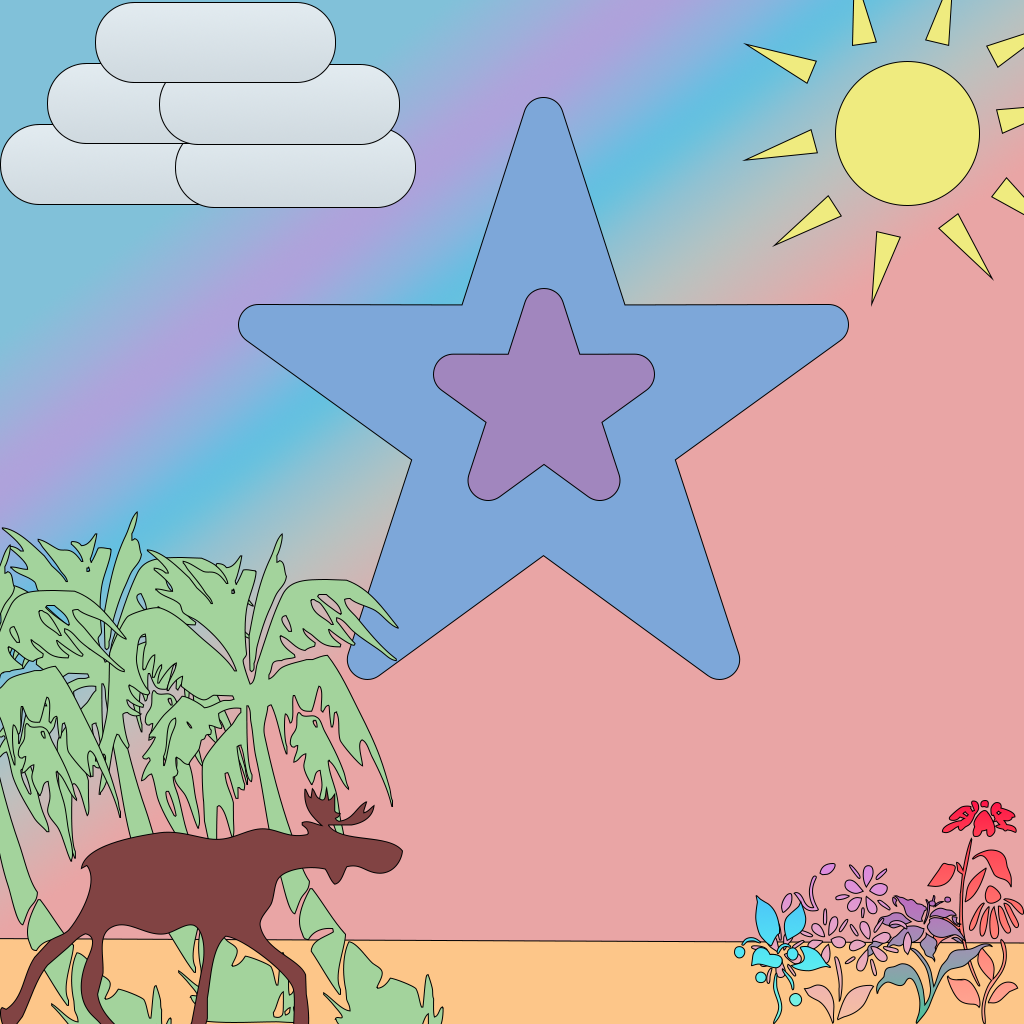
For my abstract composition, I played around with the custom shape tool and was able to add the stars, plants, trees, and even the moose. I also used gradients for both the background as well as the flowers. For both the sun and cloud, I used the ellipse, triangle, and rectangle shapes and softened the edges on the rectangles to create a more softer and cloud-like appearance.
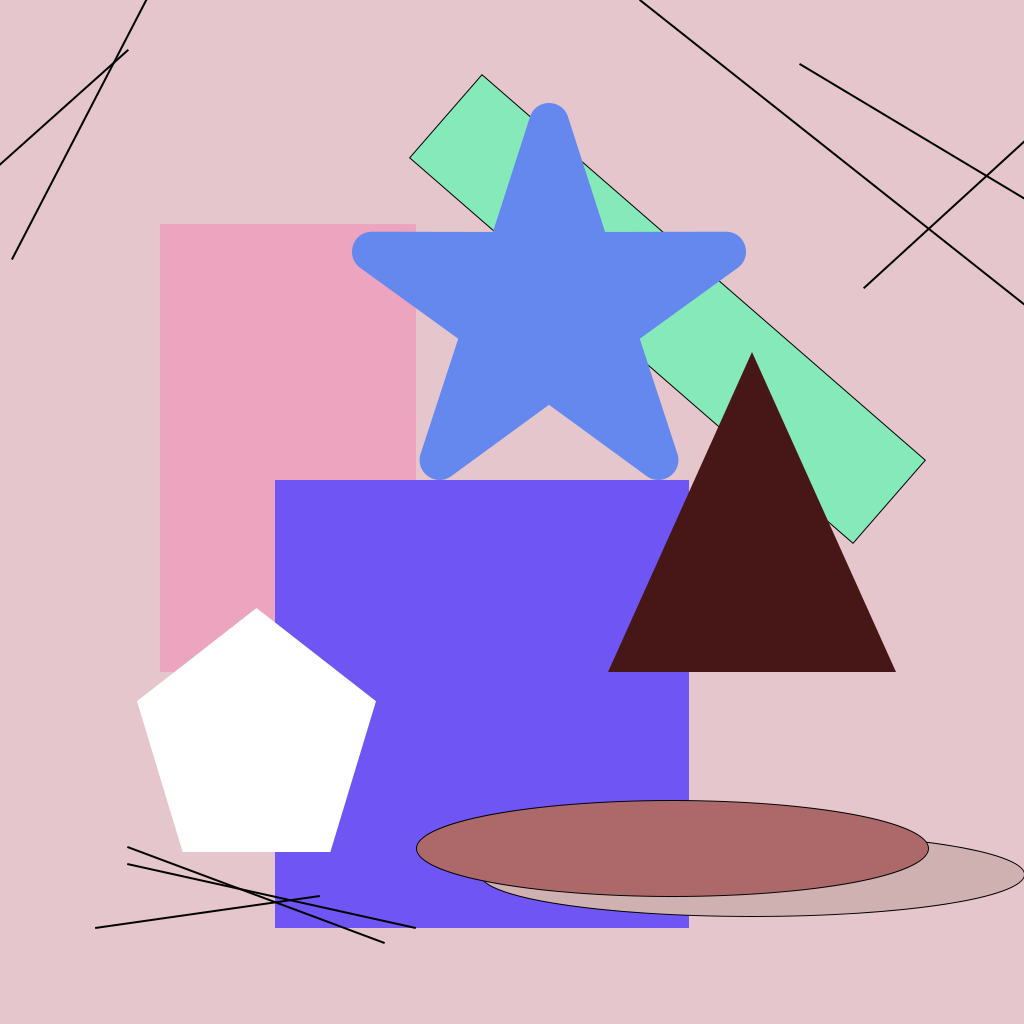
For mine, I wanted to use all the shapes to see how they could be manipulated. I wanted to make it look nice, so I tried to use colors that all go together… Once I stopped thinking about it so much and trying to make it perfect (this is not draft 1 lol), it ended up being fun to make!
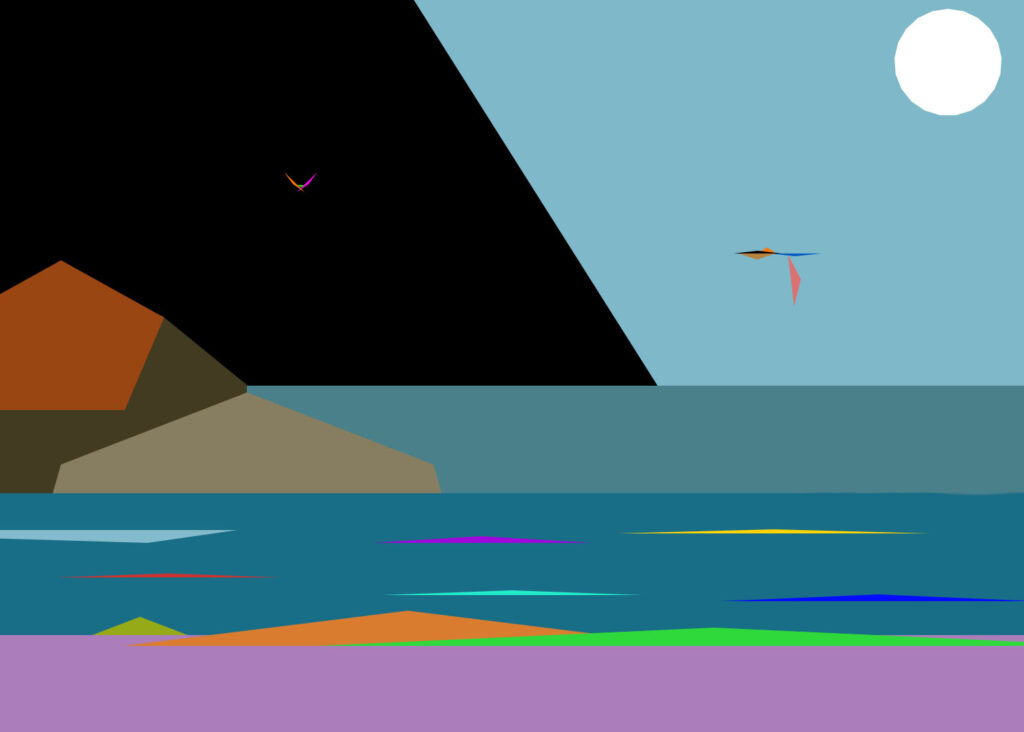
This is the beach where I celebrated my Abuela’s (Grandma) 85th birthday with my family. We have been coming here since I was young. On the left, is Isla Tiburon.
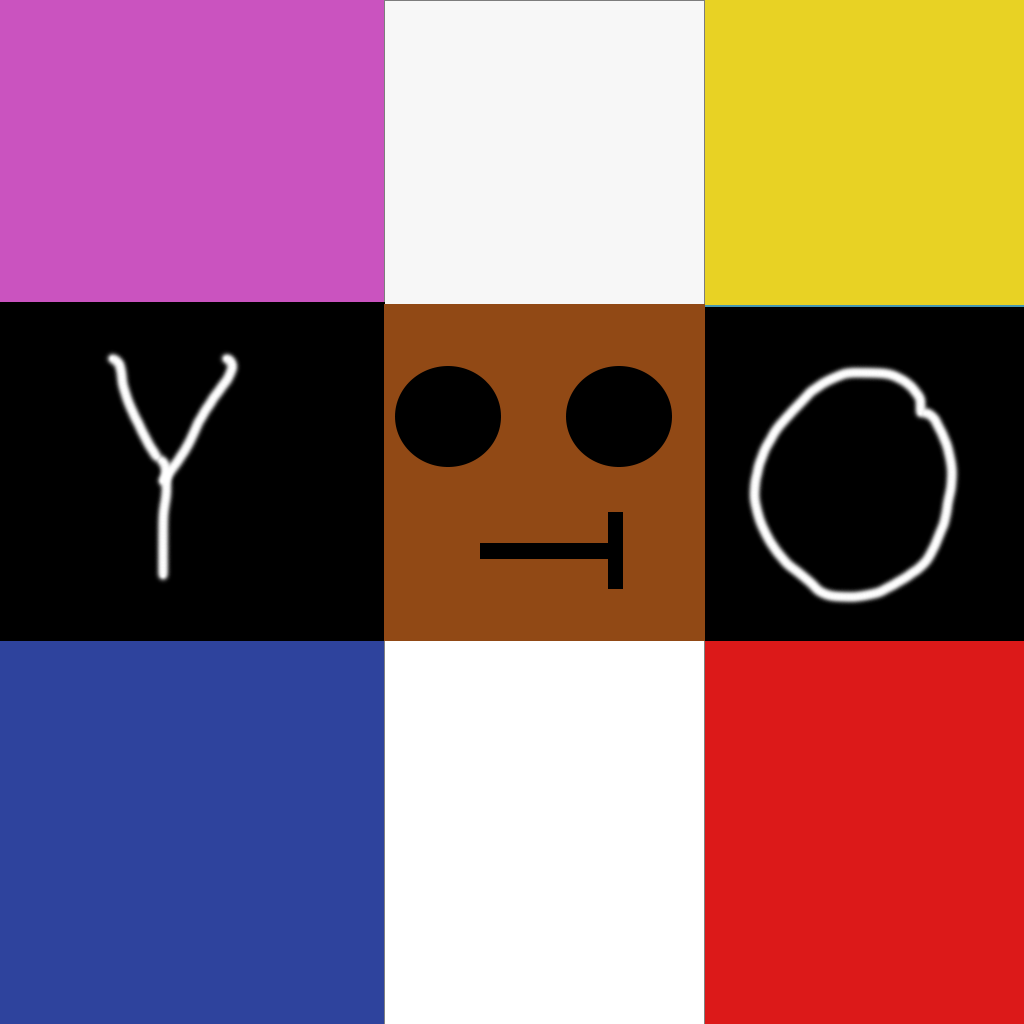
For my abstract composition, I really stood by the usage of rectangles and a mix of colors to really help the face pop out in the middle and the words YO to greet everyone.

The inspiration for my abstract work comes from the modern era of advanced technology, where the presence of robots is gradually emerging on the Internet. In this piece, I applied gradient color fills, the rectangle tool, the ellipse tool, background color fills, shape overlays, duplicated shapes, rounded rectangle corners, and a variety of color palettes to complete the composition.
The creative process of this artwork was full of challenges, and I encountered many difficulties. For instance, when facing a blank document, I often felt uncertain about what theme I wanted to pursue. I also struggled with color matching, shape coordination, and the use of various tools. I am not very skilled in digital art and rarely use Photoshop, but the challenges of this project allowed me to gain many interesting and valuable experiences.
Published August 30, 2025
Categorized as Image, Weekly Blog Post
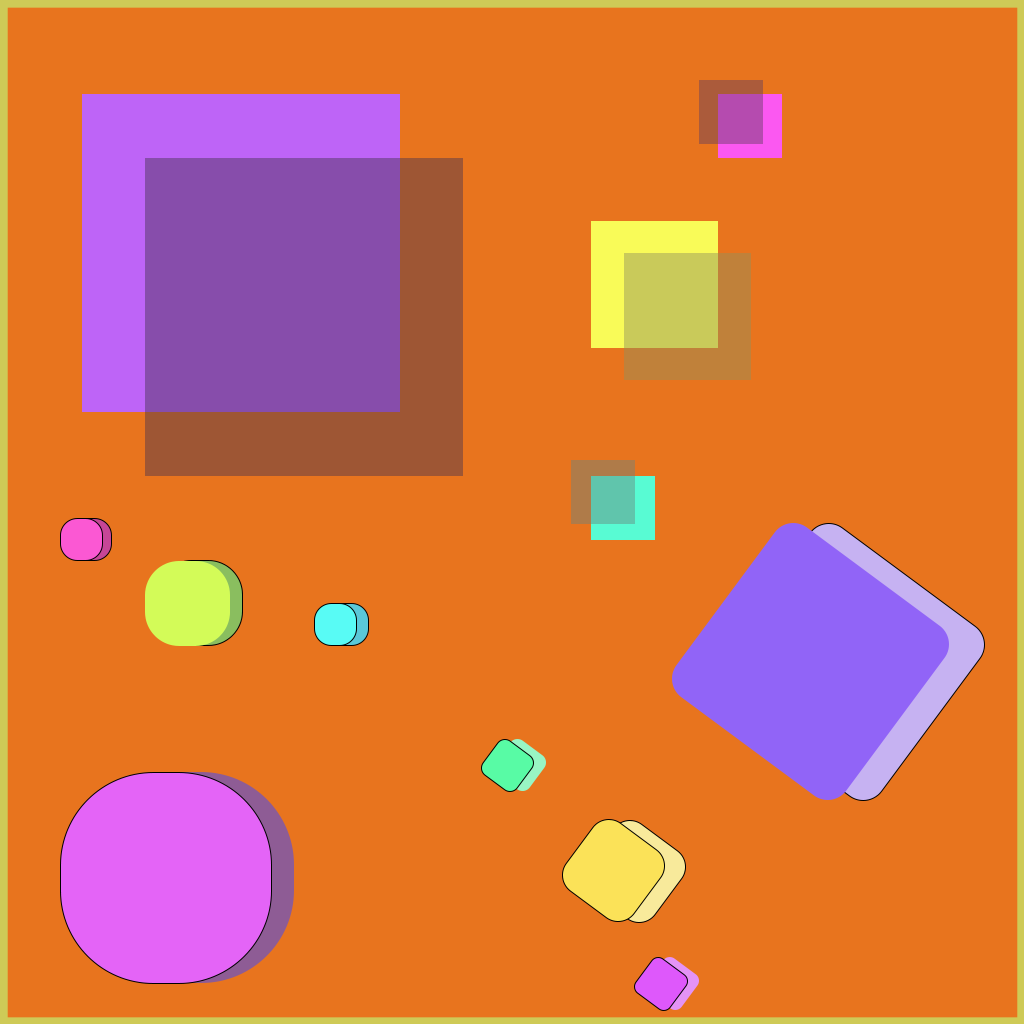
For my abstract composition, I used the rectangle tool and toyed around with stroke, opacity, edges and duplicating shapes. My inspo for this piece were my older brothers and me. I feel like it captures our relatability to one another pretty well.
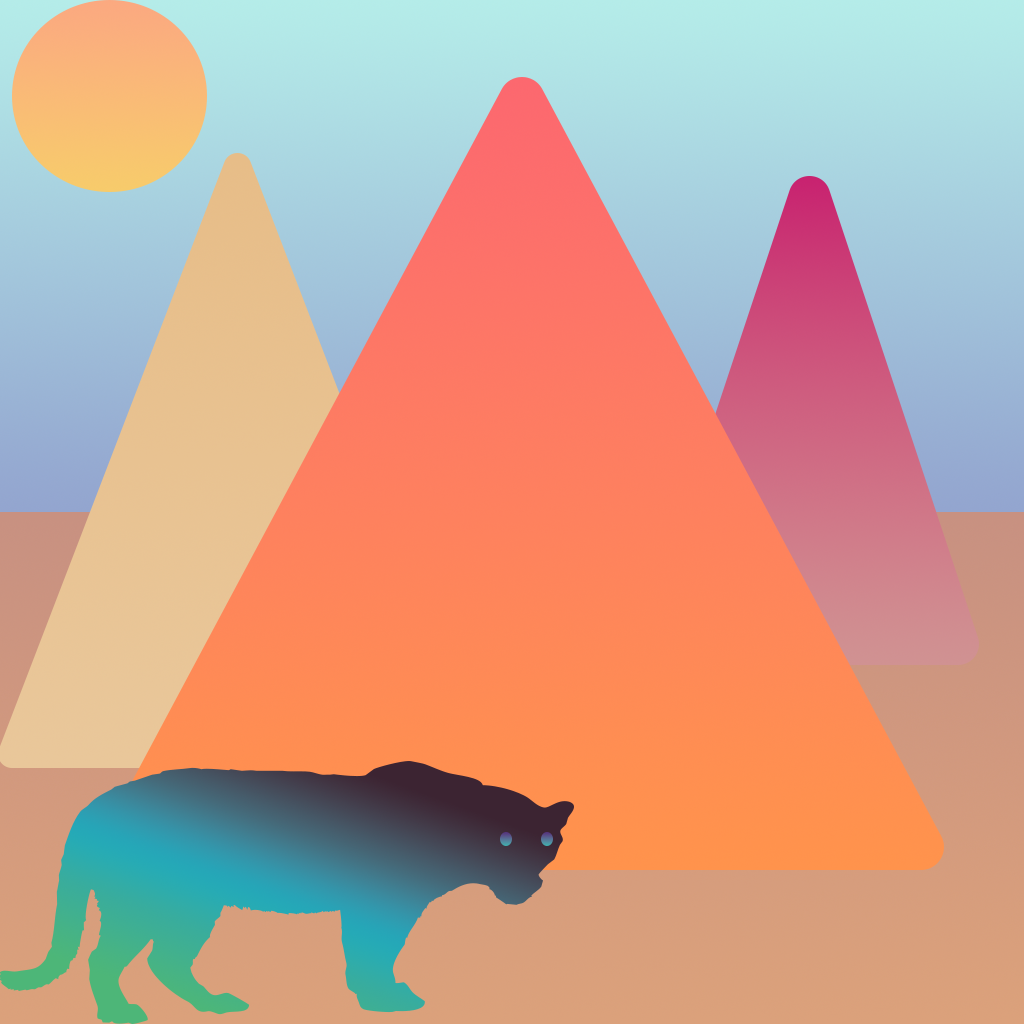
In this abstract artwork, I created shapes using gradient fills and softened their edges for a smoother appearance. I added shadows to enhance depth and arranged the visuals in the background and foreground for better composition. Using the freeform pen tool, I also drew the outline of a panther to add a unique focal point to the design.

For my composition, I utilized the rectangle tool and layering system, then rasterized the image to create a pixelated depiction of a boat at sea.
Powered by: