More Scavenger Hunt Progress – Zed

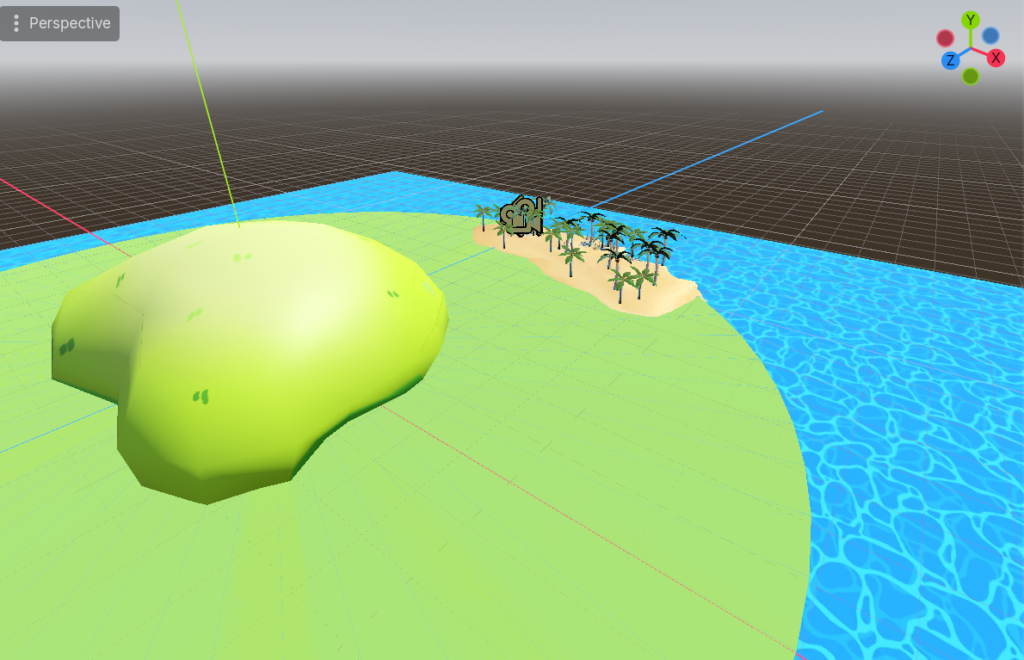
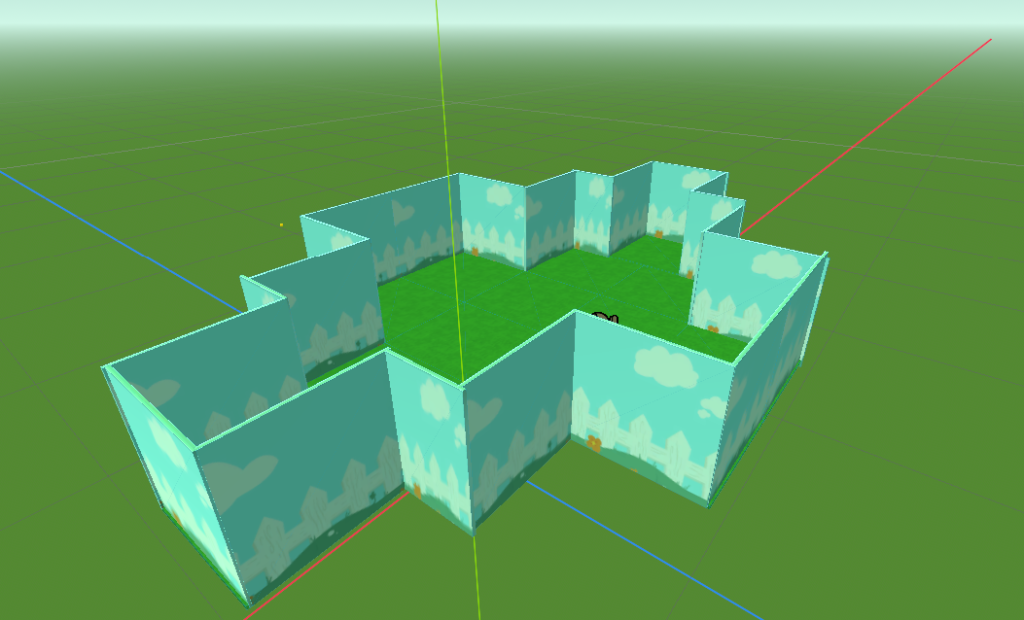
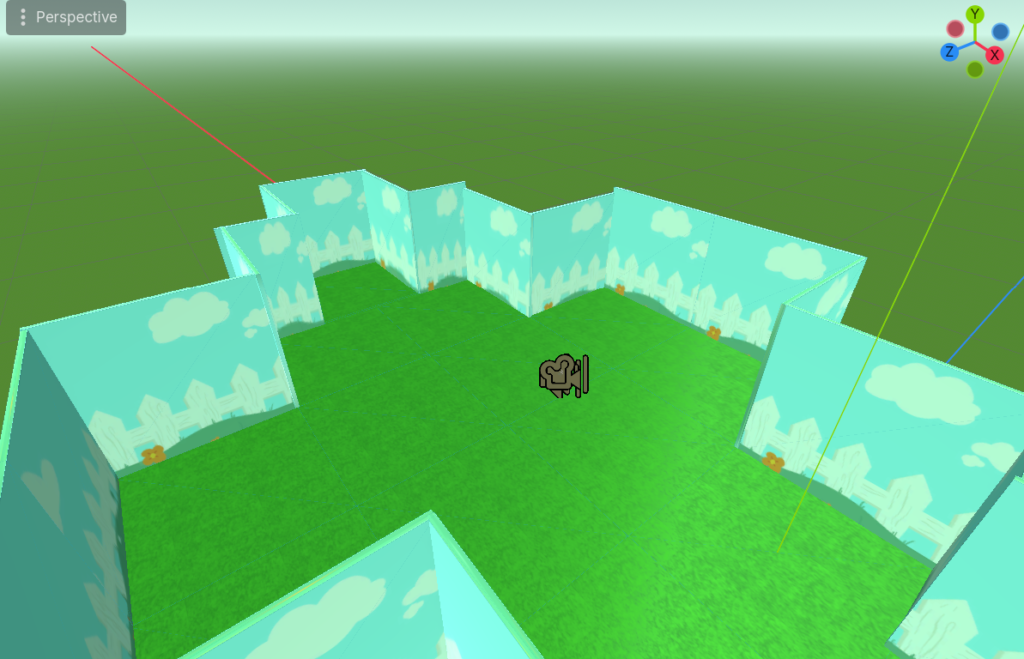
I Believe my land is basically done! I may add a bit more trees to make it more island and forest like, but the layout is complete. What I need to do before next week is

  • Create the collectables items for the hunt

For the final result, I’ll need to add

  • A timer

A optional addtion is

  • Cutscenes on at the start, for the lose screen and for the win screen
  • Side Bar Inventory

Today I’ll focus on making the items collectable and set up the basic win screen! And possible the start screen
Island Scavenger Hunt

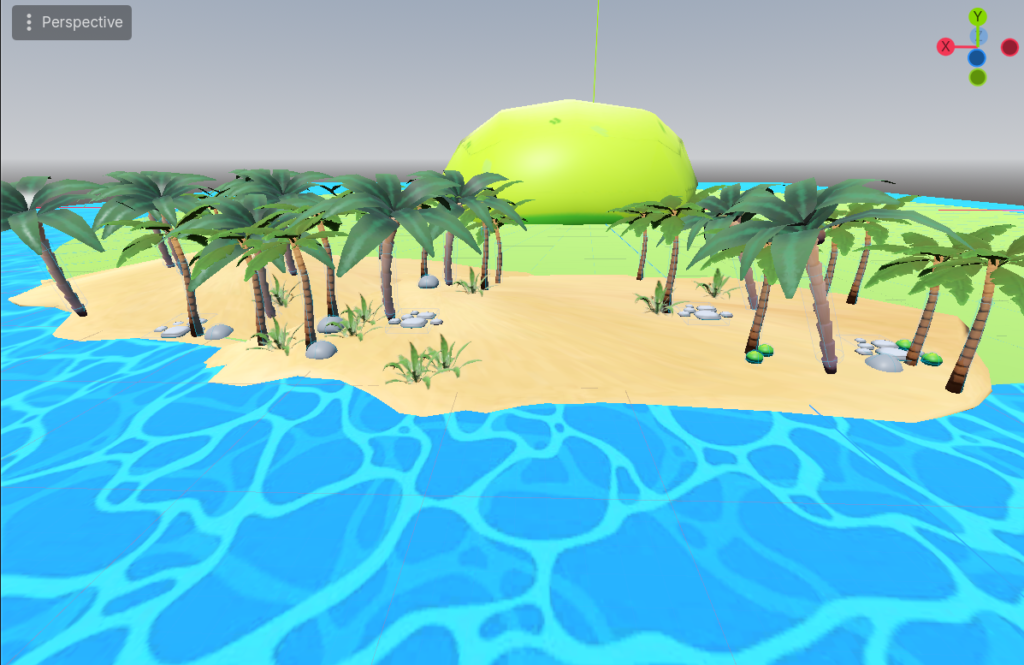
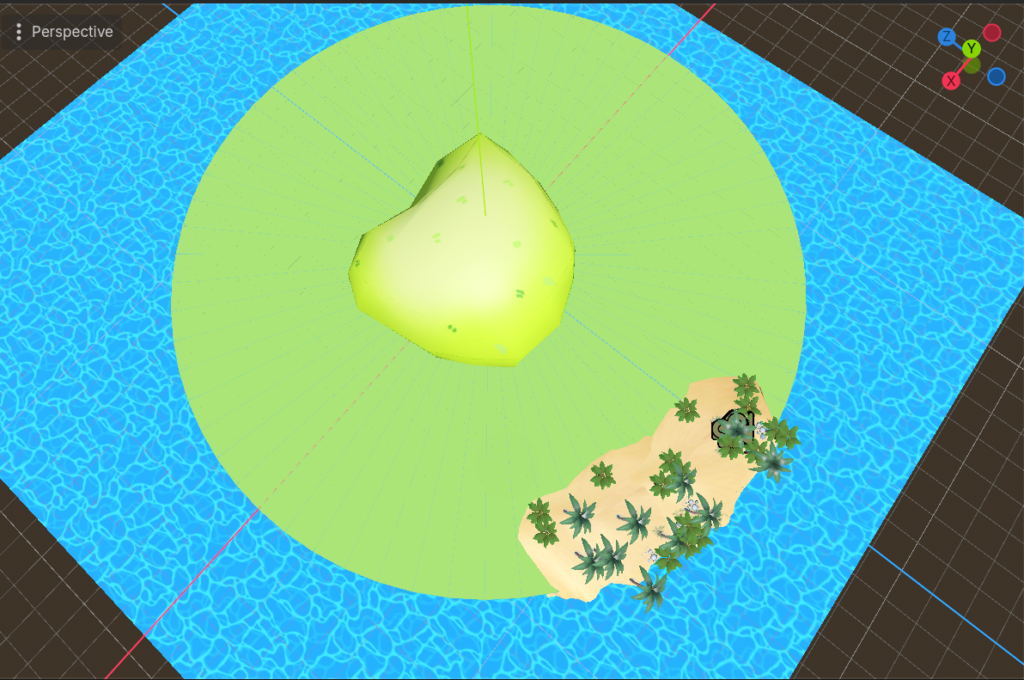
So I’ve been playing PEAK alot with friends and really like the island/mountain look of it all. Because of this, I had the urge to make my scavenger hunt game on an island! The objective is to find all your lost stuff that fell out of you bag before the rescue copter comes by.

I don’t have a ton of progress, but here’s what I got so far!

USER FEEDBACK – GARDEN GAME – Zed

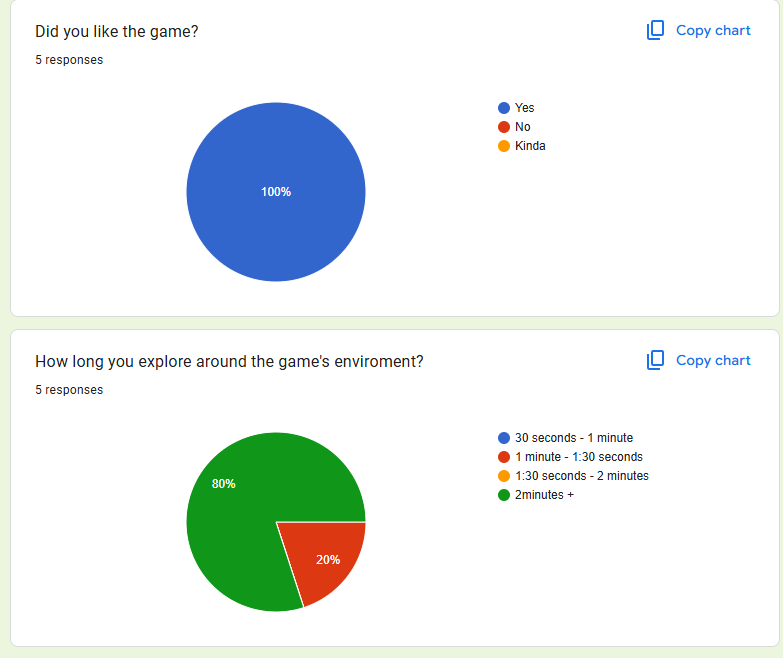
After reading through the feedback I got in the forms, generally people seemed to really like the look of it, which I’m very glad about! A good amount of the objects were made by me, so its nice to know the work I did on the assets paid off.

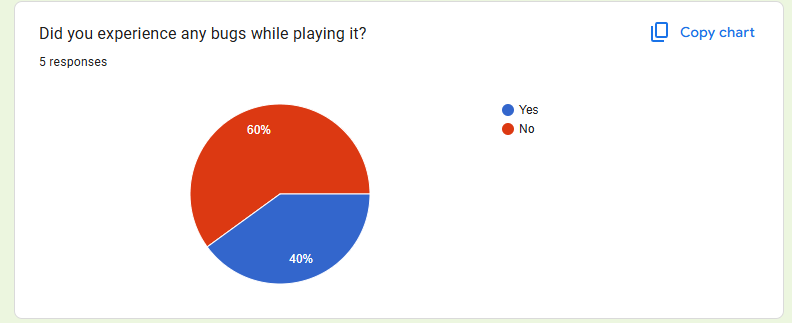
Though and active problem was floating items and scaling which i will have to work on. I believe for my own bigger project this was also an issue. So from now on I will make sure to keep a tab on where items are placed and if they’re actually on the ground with good scaling!

Some of the statistics

Easter Garden Progress

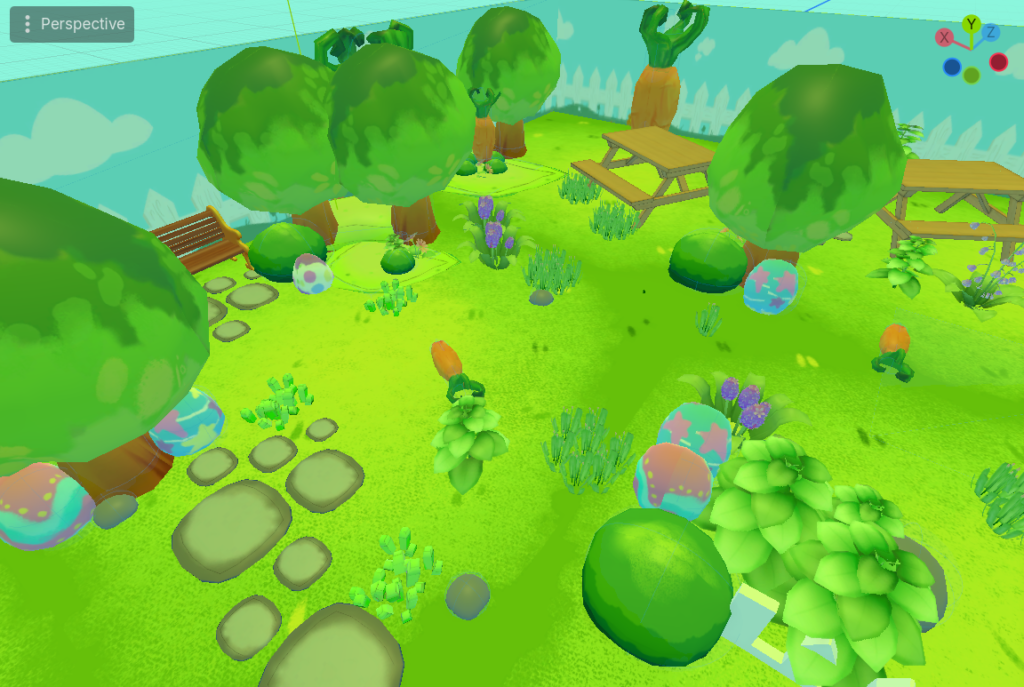
So I decided to do an easter theme instead! My inspos were the same

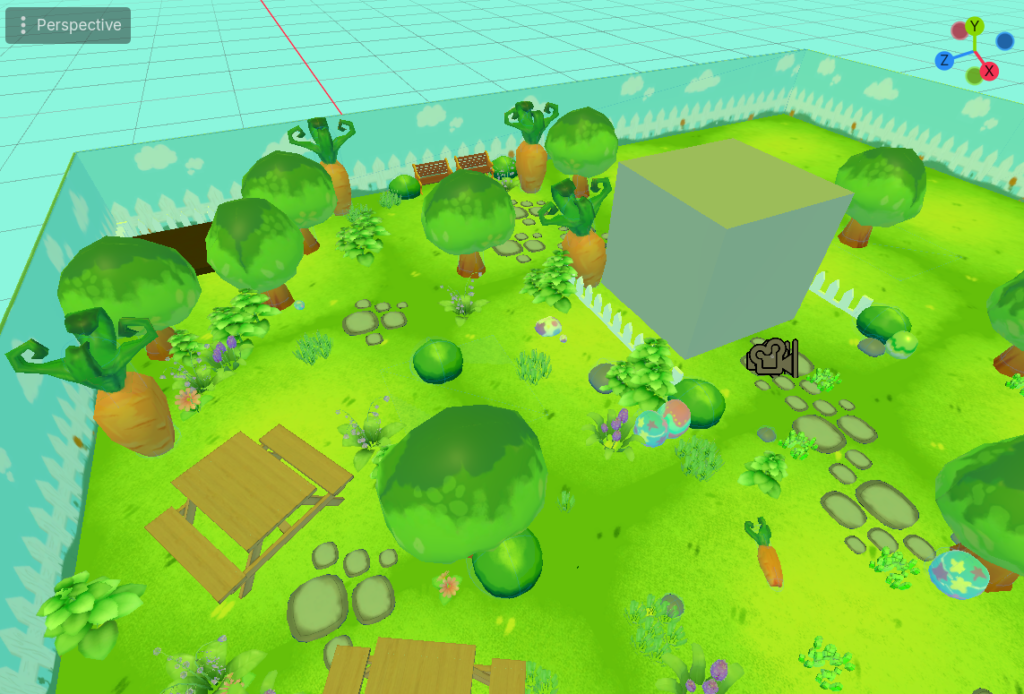
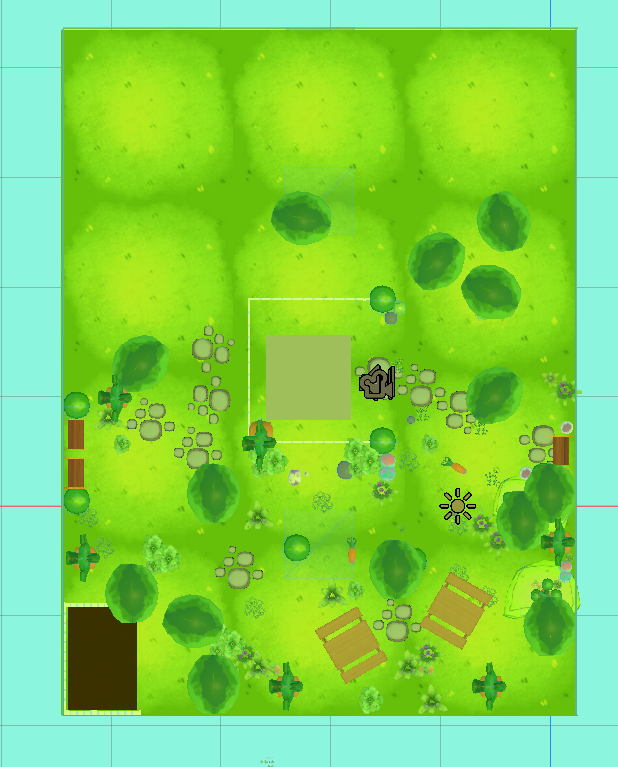
I used a combination of making and texturing my own items, and some free assets. Things like the flowers, grass, fence and picnic table were from Sketchfab + Turbosquid. The tree, carrot. eggs, rocks and rock path, bush, and grass patch were from me! Bench and Wall texture were from my game team members work.

Garden Game Progress

SO! I’m choosing to relate this project to my bigger project game I’m working on. For a while now I have been working on map design already, so I’m taking this chance to practice more!

I plan to make a small Hide and Seek like game. Players have to explore the area and find the little character themed doll a total of 3 times. Something simple — that will include other coding probs, but the main focus is the look and design of the space, and to get players to explore it

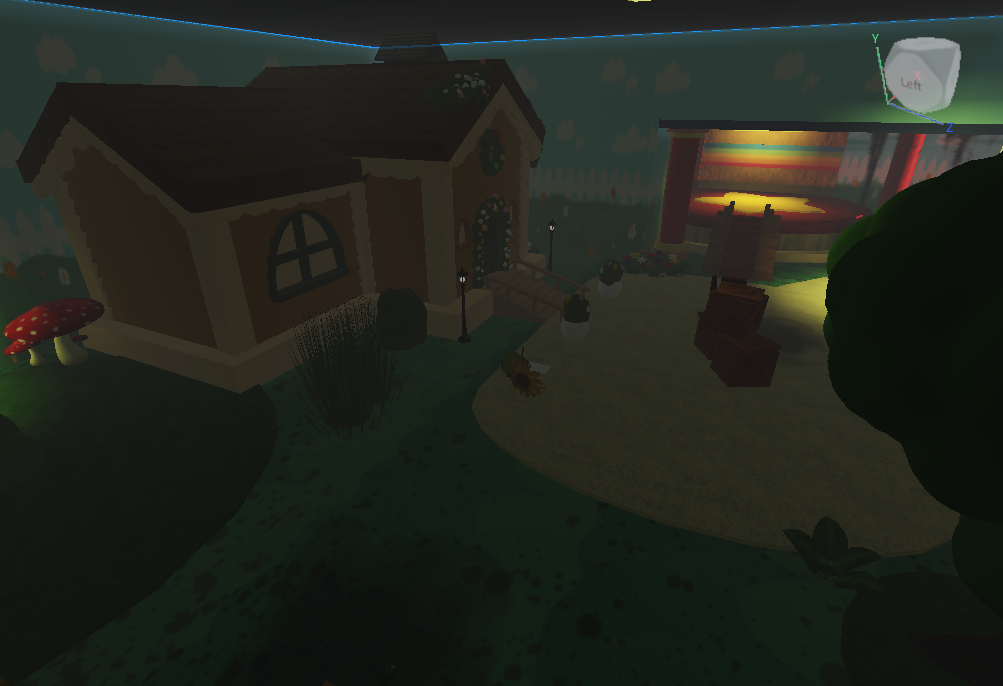
Here’s some shots of what it looks like so far

and some reference images both from my own game and my inspos

Zed’sUser Feedback Form

After reading the feedback form, I feel like I understand some of the flaws in my game. For one, the UI at the start and was kind of compared and way to small to see. However, people gave me feedback on how to fix it. Now I won’t have to struggle to figure out how to make sure the UI works correctly on launch.

Additionally, I liked seeing peoples different opinions on the time mechanic. Some said they anted it to increase so they could look around the area more. Some said it would be interesting for the time to decrease to make the gameplay more urgent and fun. It’s nice to see how people take the timing mechanic differently.

WEEK 4 – Maze Gameplay

A majority of the stuff for this game is done! I just have a few things that need to be done, and things I’d like to add

  • The spawn place needs to be right before the platforming area, since you aren’t able to climb back up
  • More walls to close off the place, and ceilings
  • Maybe a reset button so people can easily retry the maze
  • A “You Won” screen for when you get to the exit. It would be nice to indicate when the game ends

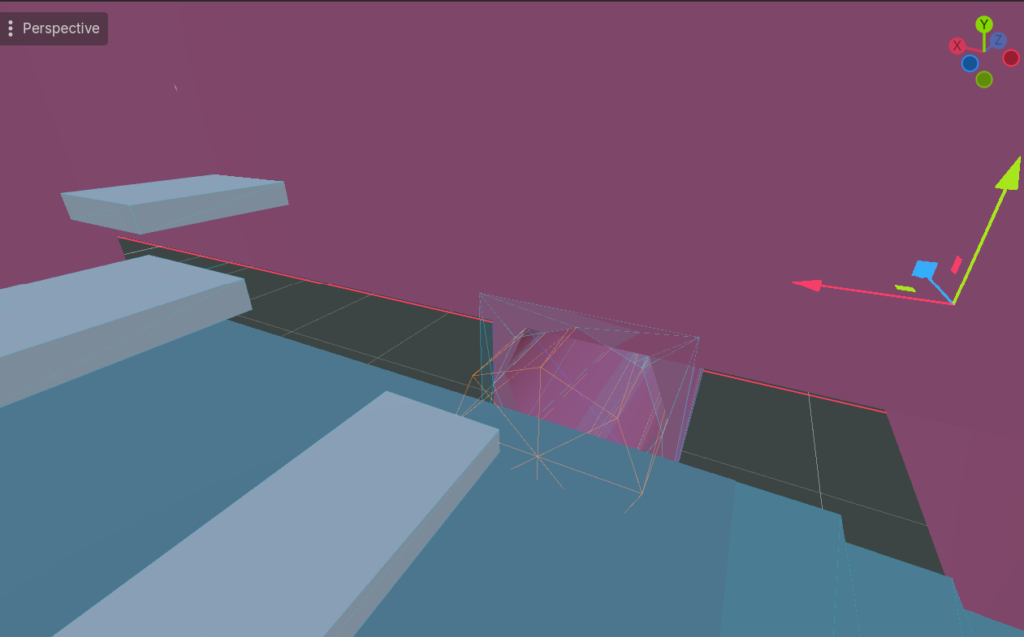
Other than that, we’re almost at the end! I feel proud of what I’ve done so far, especially since I had some errors with the place which I’m not sure how a lot of parts got extra meshes with Scripts in them.

WEEK 1 – BLENDER MODELING TEST

For this model testing I decided to model a simple light box for a task in the game I’m currently making. I mainly took the time to figure out how the parts would align when used for the task itself, and tried to make it as close to the concept art made for it. I’m quite proud about it, especially since I was able to keep the Tris around 1.5k

WEEK 2 – Maze Making Progress [Upload from Brightspace]

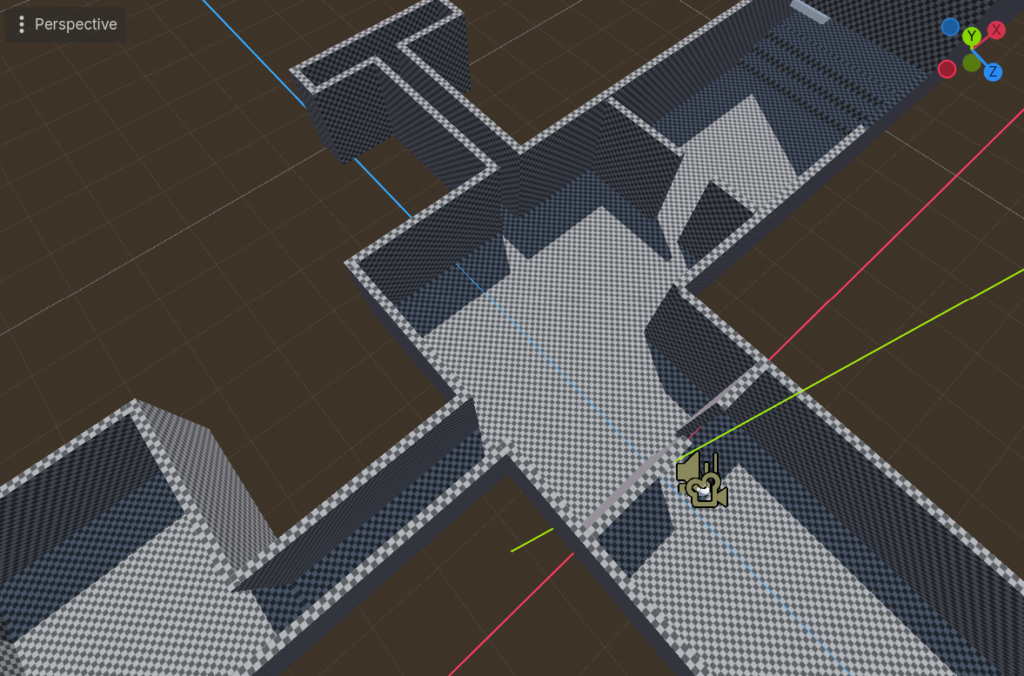
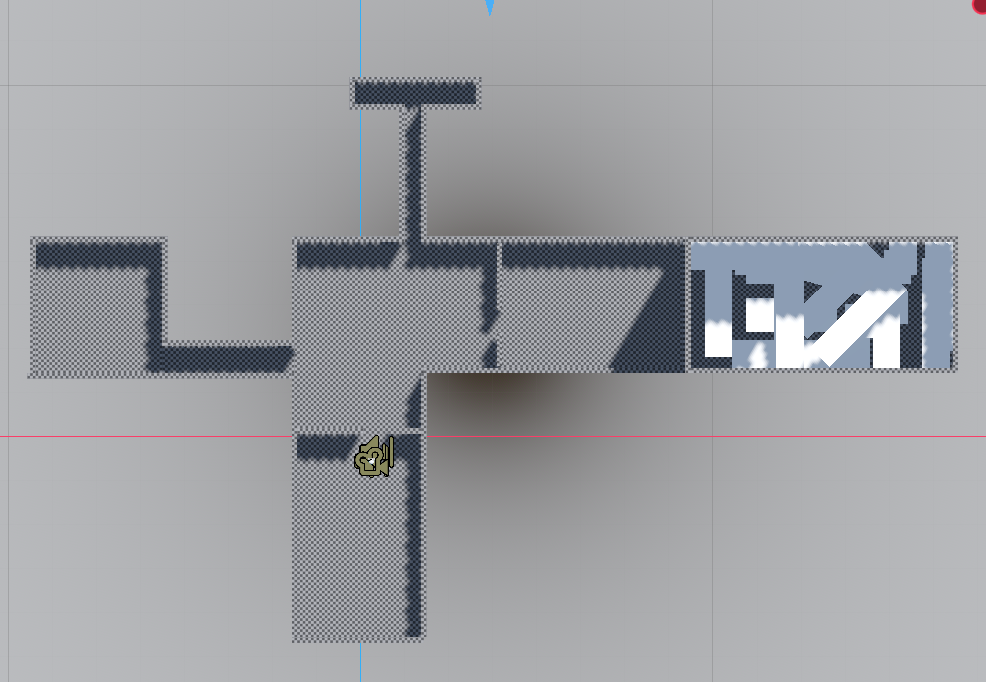
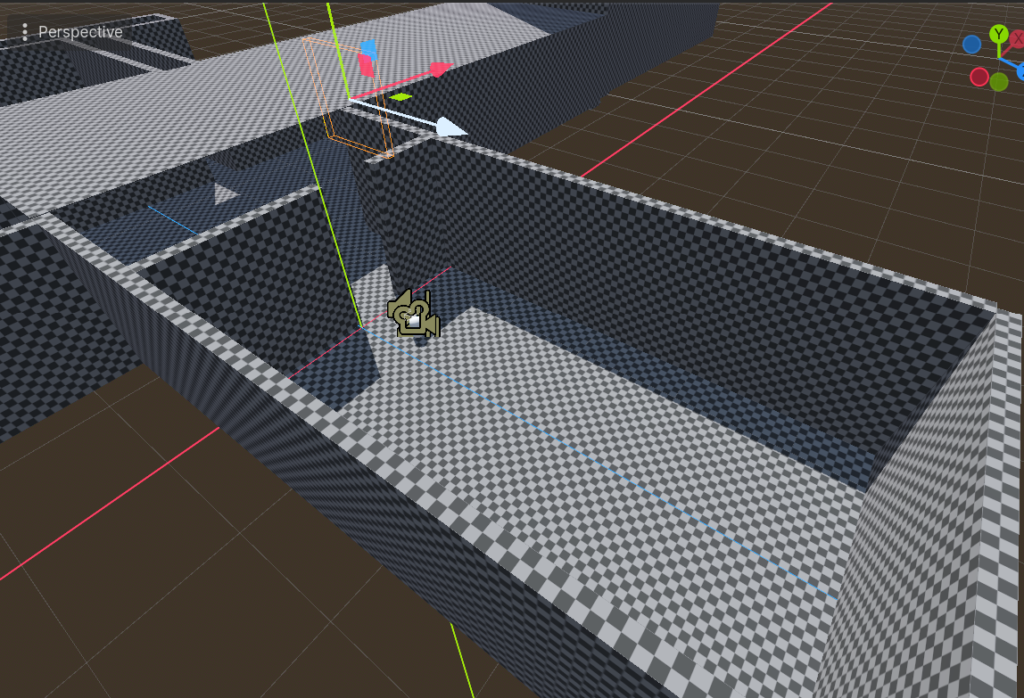
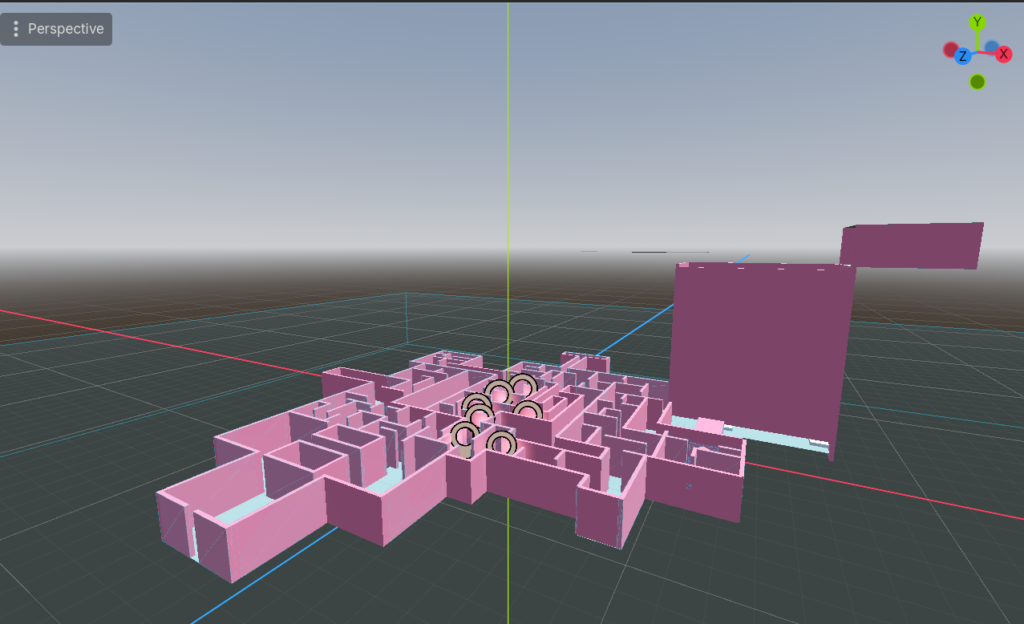
Here’s my maze progress! I did something rather simple. I wanted to make multiple pathways for someone to go into to try and find their way out. Ideally each path leads somewhere else, branches off, and wraps around. Or maybe it leads to a new room. I have some inspo off of In Stars and Time, where there would be moments a player goes into a room, and a small X appears in the corner telling them they can’t progress in that timeloop. But the room still would reveal something about the world and the character. The platforms would maybe be the starting/dropping point. perhaps the player has to venture down first before they can fully enter the maze.

WEEK 3 – Maze Complete/ Gameplay

While on my trip to Chicago I managed to finish the maze. I’ve added textured colors onto all of the items in the beta maze — making the walls all pink and making the flooring blue. The platforms that are meant to be at the starting point of the game are all white. I’ve decided to keep the game looking generally pastel.

I want to be able to add good lighting, however I’m not sure I’ve done it right since when playing the game it’s still relatively dark so I may need help adjusting that! Addtionally, you’ll see this in the gameplay but the player keeps falling through the floor.. I’ve added a Static Body to each mesh, readjusted it to the size of the mesh if I ever edited the mesh, and set all those static bodies to “2- Platforms” on the collision setting. And its weird since it’s only a select amount of platforms that make the player fall through em. if anyone knows how to fix this, please tell me!