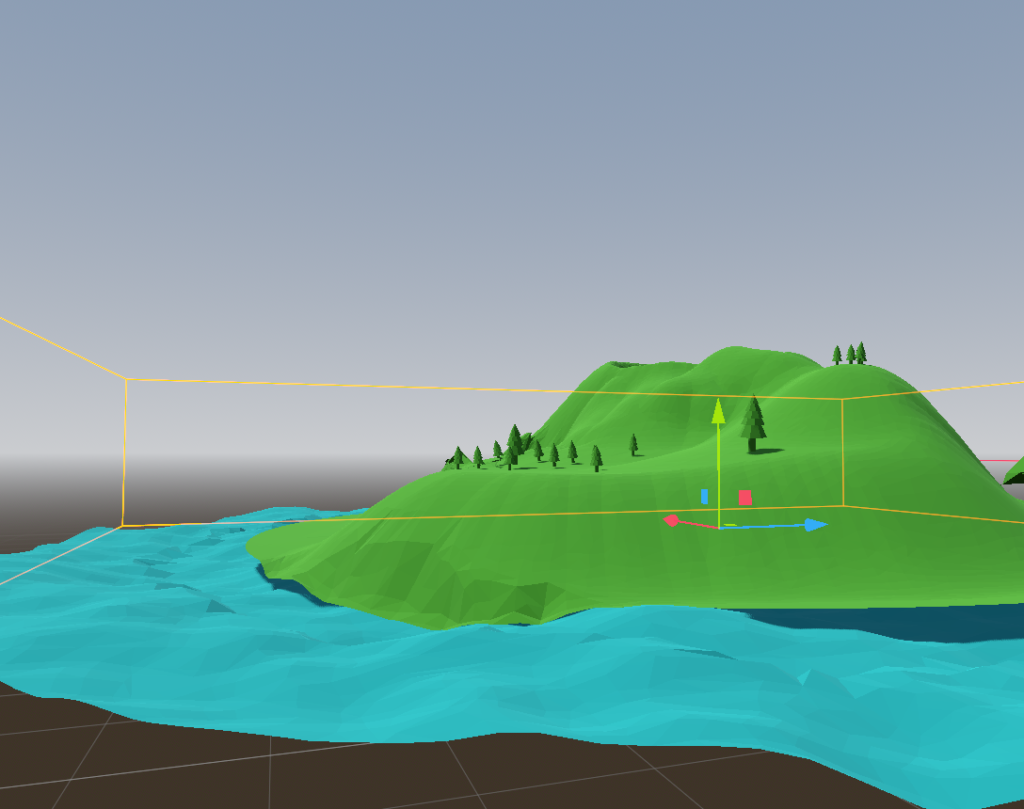
This is my progress so far. I already have the island, but I still have a lot of things left to add. I’d like to set up an area where a large number of enemies are concentrated and that is also where the lost briefcase will be hidden.
If I have time, I’ll try to create a hidden entrance to a cave with resources for the player.
In my concept for this game, the player takes on the role of a mercenary hired to retrieve a briefcase containing gold and important documents that were stolen by a group of criminals currently holed up on a small island. I am still deciding whether the game will follow a path more focused on stealth where the player must avoid detection or if I will also give them the option to defend themselves using weapons.
The images above feature an island that will serve as the basis for creating the in-game environment, as well as various assets I have found so far.
During the user testing for my garden game, I obtained positive results, as 100% of the users liked the design and the exploration of the garden. Furthermore, 100% of the users felt a desire to explore the garden upon seeing it for the first time. According to the results, 42.9% of users explored the garden for a duration of 1–2 minutes, while another 28.6% explored for less than 1 minute; finally, the remaining 28.6% explored the garden for more than 2 minutes, which confirms that players did indeed feel a desire to continue exploring despite the garden’s small size. On the other hand, 57.1% of users encountered bugs in the garden area. All comments submitted by players mentioned issues related to collision detection, which hindered mobility when attempting to move forward. Upon review, I realized that these “collision bugs” stem from deformations in the terrain; the collision surfaces of these deformations appear to be too steep relative to the player’s collision geometry, resulting in the player getting stuck. Even so, the feedback and results were generally quite positive, and I’m glad the players liked the design. I’ll try to fix the collision issues with the ground and objects, and I’ll also adjust the object scaling relative to the player so that everything feels more natural and realistic.
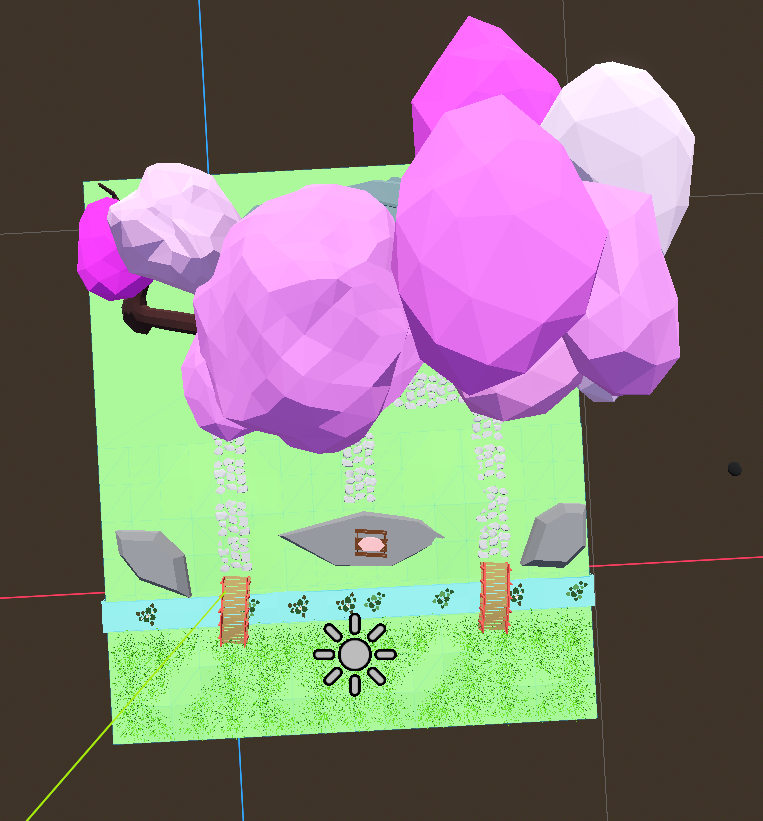
Here is my progress with the garden. So far, I have added new bridges, a small Japanese house, and details such as plants and rocks. I wanted to recreate Japanese cherry blossom trees by using low-poly tree models and painting them pink. I also placed grass on the ground. I also added a picnic table in front of the house.
I want to add one or two of my personal avatars sitting at the table. I would also like to add more details to the floor, as well as giant walls for the border.
The images above are my inspiration for my garden project. I’m creating a small Japanese garden with a Japanese structure and ambiance. Near the small structure, there will be a small lake with two bridges that players can cross. I plan to make this garden a mini-game of exploration where players must find different objects to access other areas of the garden.
In the image below I show an early version of my design, here you can see the bridges and part of the floor.
After reading and analyzing the feedback on my maze game, I was able to see the following thing:
When I read and analyzed the feedback for my maze game, I noticed the following:
100% of the players liked the game.
At the same time, 50% of the players would play it again, while the other 50% would not. This is probably due to the lack of content and purpose in the game. I think it would be a good idea to add more things like enemies and rewards to make it more fun and thus motivate users to replay it.
Happily, all the players successfully completed the game and the vast majority finished it in 1-5 minutes, which shows me that there are at least no major bugs or other factors that could completely affect the gameplay.
The comments given by players says that the two parts of the game feel disconnected. The first maze can make players feel lost, so adding something that shows the platform area earlier could motivate them to continue. The platform section is fun, but the game should show a clear message or indicator when the player finishes. Also, the level needs better alignment because some walls and floors have gaps or overlaps, which makes the maze look less polished. I can improve all of this by adding a visual hint of the platform section at the beginning, include a “game completed” message, and fix the level by aligning the walls and floors to remove gaps and overlapping parts.
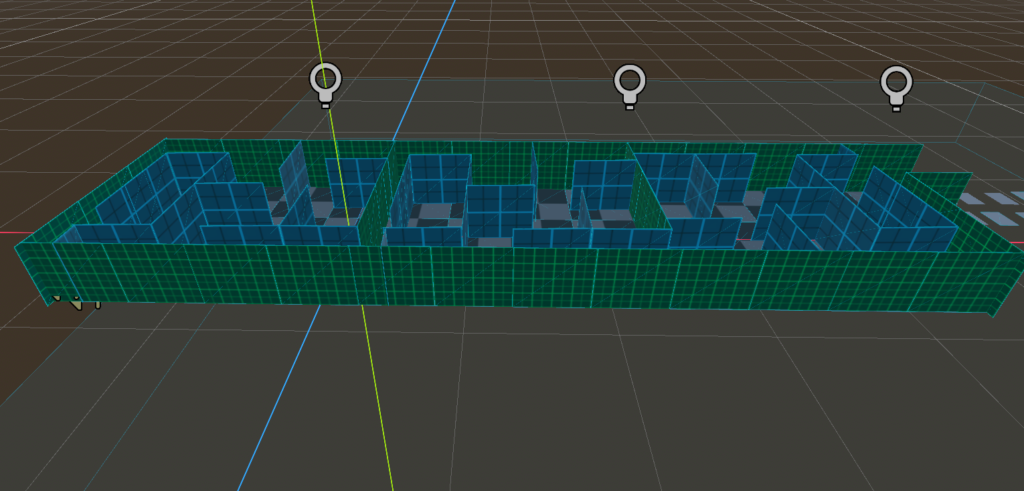
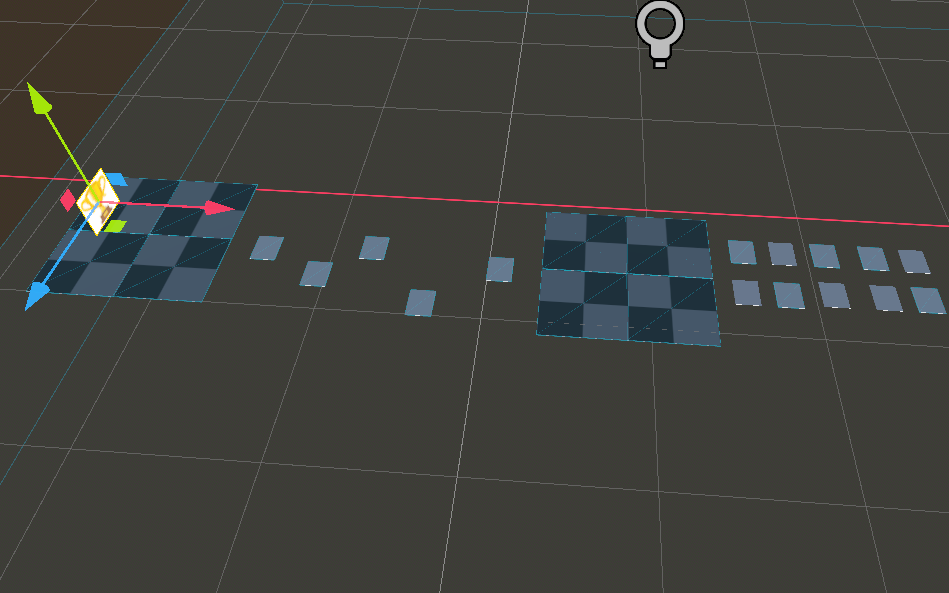
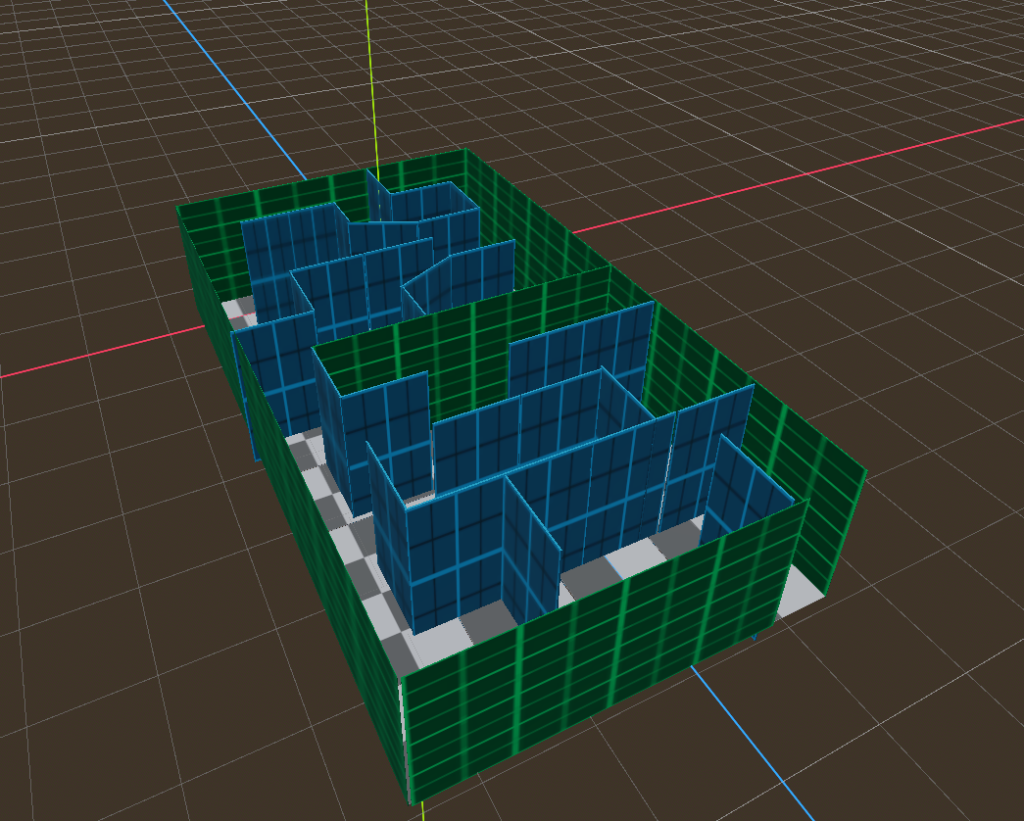
This is my game made in Godot. It’s an easy difficulty maze with a jumping puzzle and parkour at the end. The maze is fairly easy to navigate; I designed it this way so players wouldn’t spend too much time in it. The second part is the jumping puzzle. In this section, you have to guess which platforms to jump onto to get through. If you make a mistake, you’ll reappear after falling into the void. Finally, I added a short, easy parkour section at the very end of the level.
This is my gameplay of my maze in Godot. I haven’t been able to add much more since my project was deleted, but this is what this level looks like. I have an idea to add a parkour section in the next level. I’m also still planning to add jumpscares to the game, some enemies, and collectible items.
This is my progress in the Godot maze. So far, I’ve completed two interconnected levels. The maze contains several paths designed to challenge the player and make it more dynamic. I plan to add small parkour sections to increase the difficulty, and also hidden objects and enemies to encourage exploration.
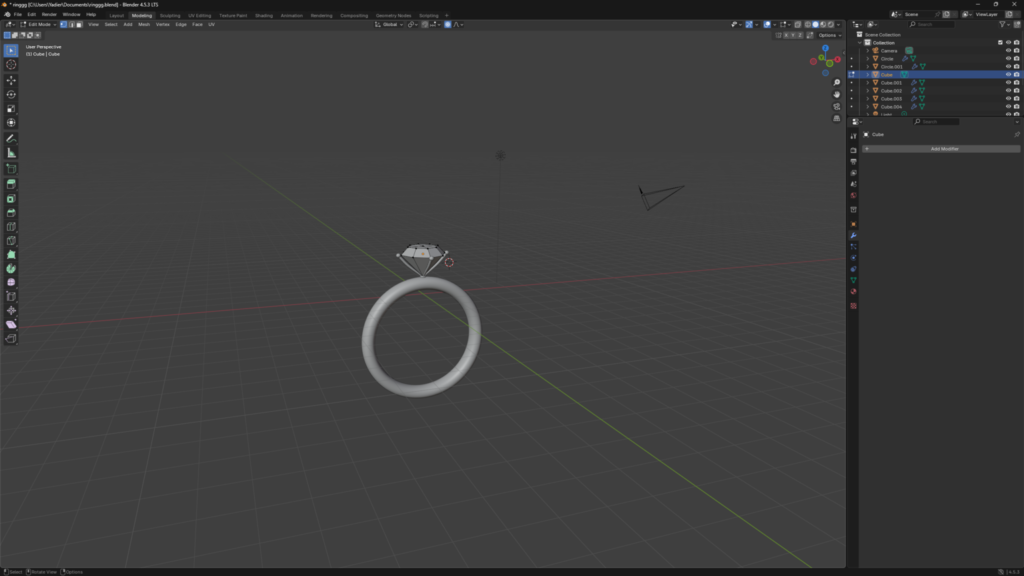
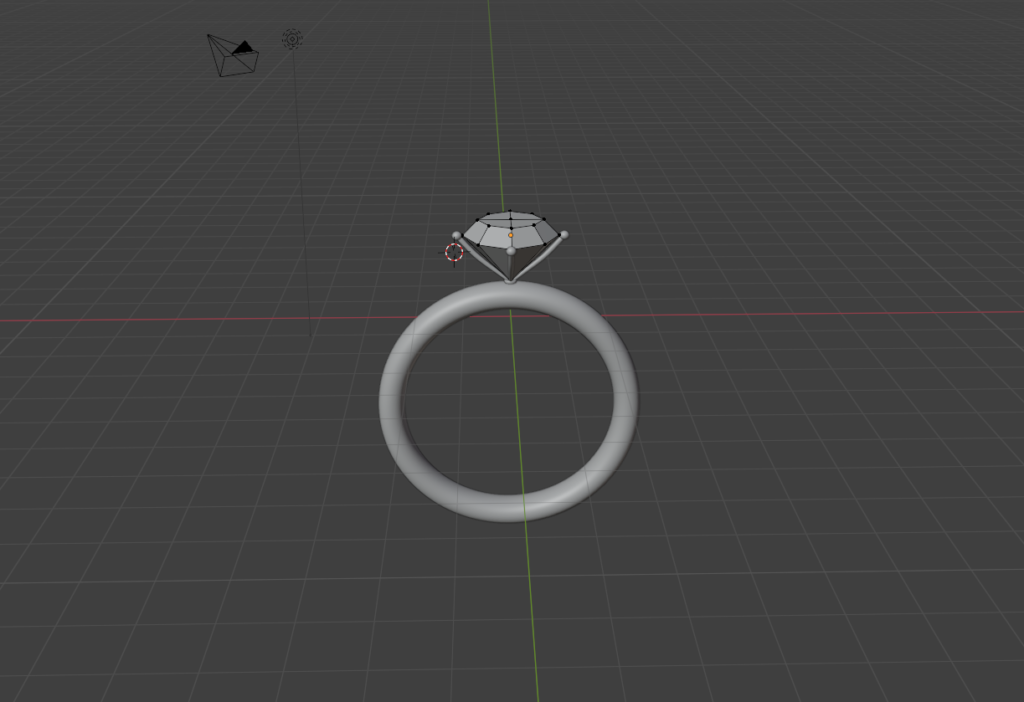
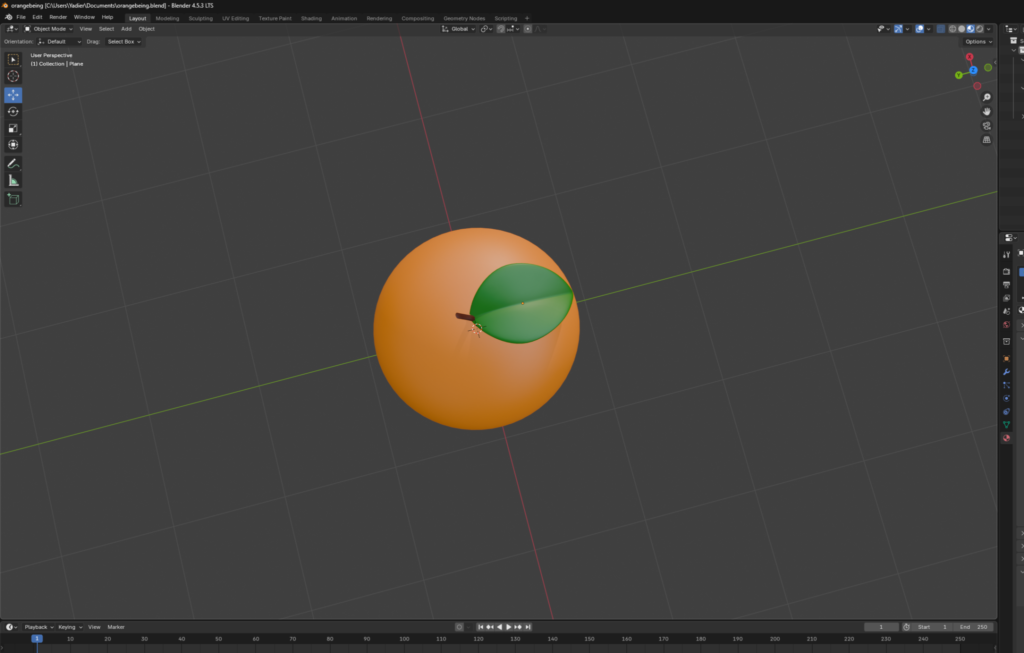
I created two simple models in Blender, one is a ring and the other is an orange. I added simple colors to the orange and created a golden metallic material for the ring and a more glassy material for the gem.