Final Project

“Meadow” Is still the same game- however, I’ve updated it to take place during the night, instead of day. The goal of the game is to collect 20 apples. It is supposed to be relaxing.

Now there is more atmosphere. I added fog and star sky HDRI.

Video playthrough (turn brightness up to see everything)

If you download and play the game from here, you will be able to hear a footstep track and a repeated music track.

There is also a UI welcome screen.

Published
Categorized as Final

Blog Post 6

Some updates to my medieval scavenger hunt game.

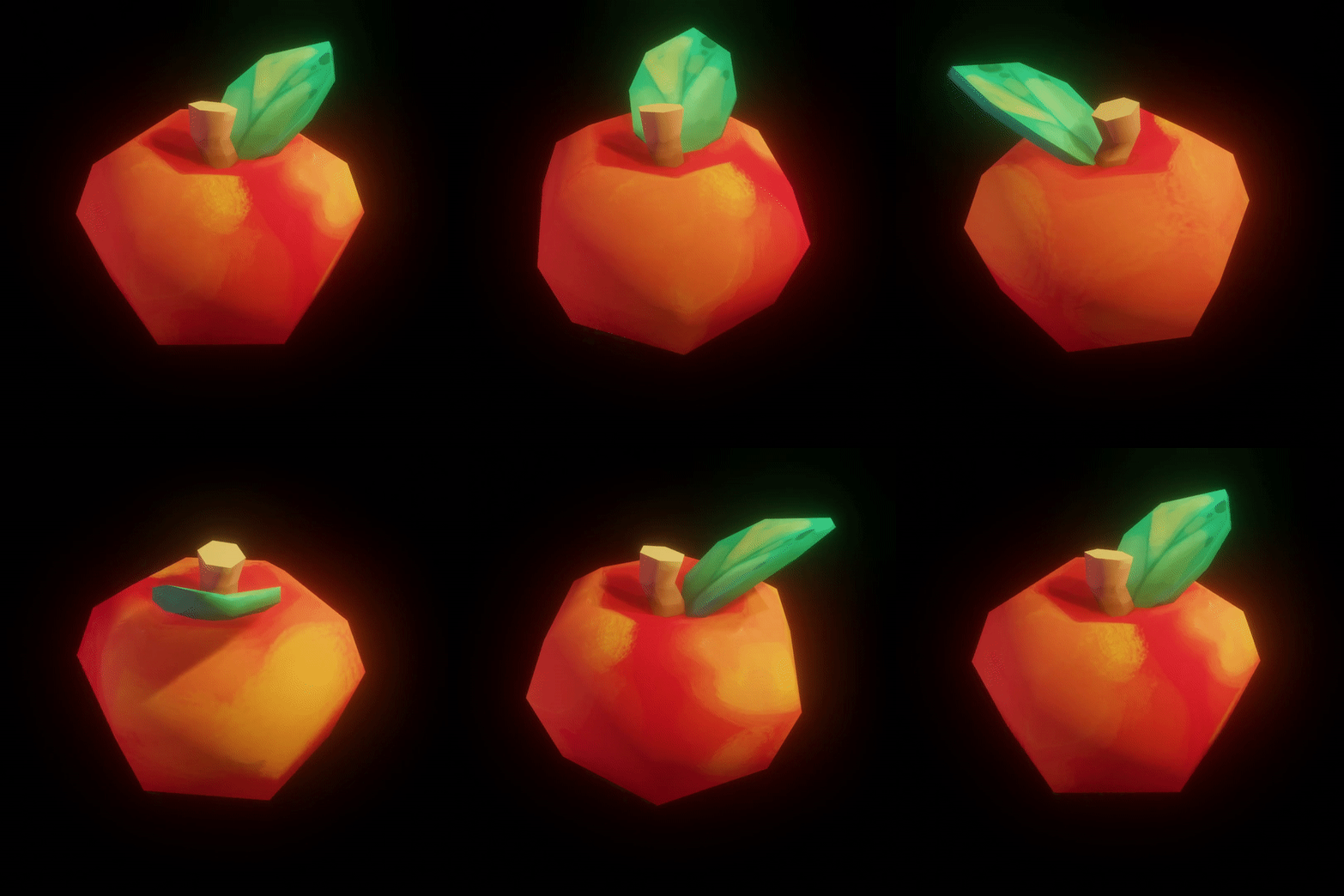
I sculpted an apple collectible in C4D and imported it to Godot.

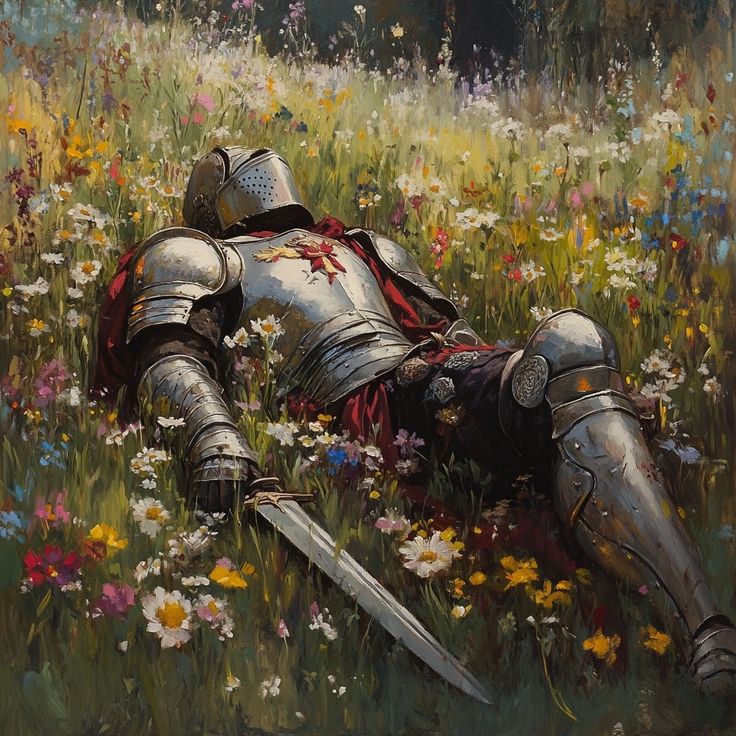
Found a knight model on Sketchfab, edited its posture in C4D to be sitting, appearing asleep/dead.

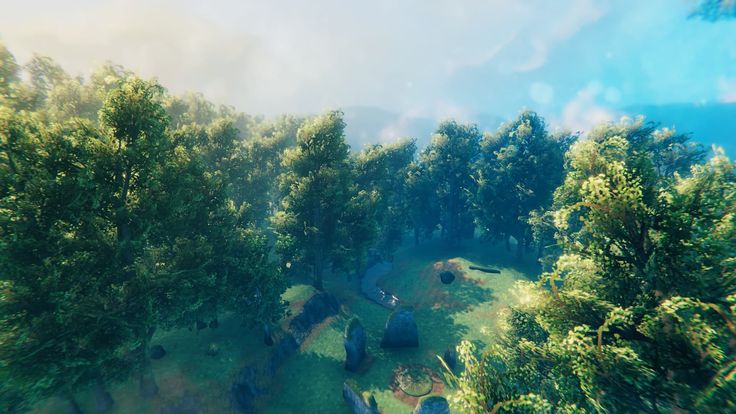
Started to add scenery. Rocks with moss and trees found on Sketchfab.

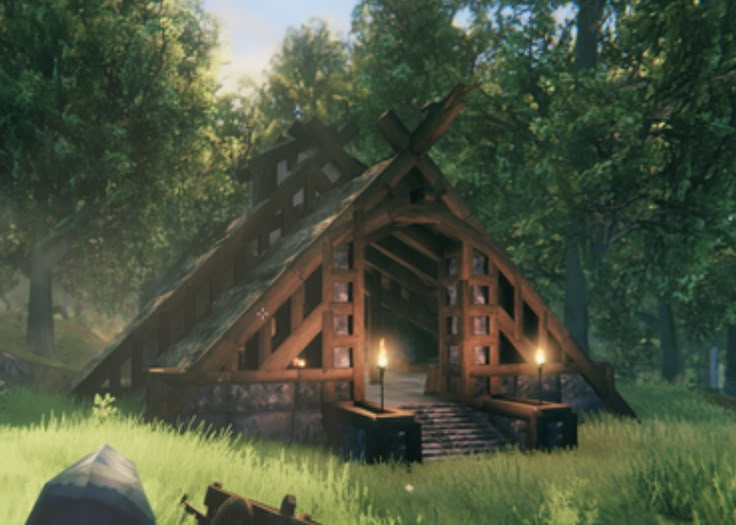
Started to add details: stone walls/ruins, collectible apples, grass.

Blog Post 5

Scavenger hunt game, project 3 – Concept

I’ve decided to do a medieval-themed scavenger hunt game. The setting will take place in a forest or meadow, with medieval items scattered throughout. It will be relaxing, casual, and easy-going. Right now, I’m using apples as the item to collect, but I plan to add one or two more collectible items.

Here are some images to serve as a mood board:

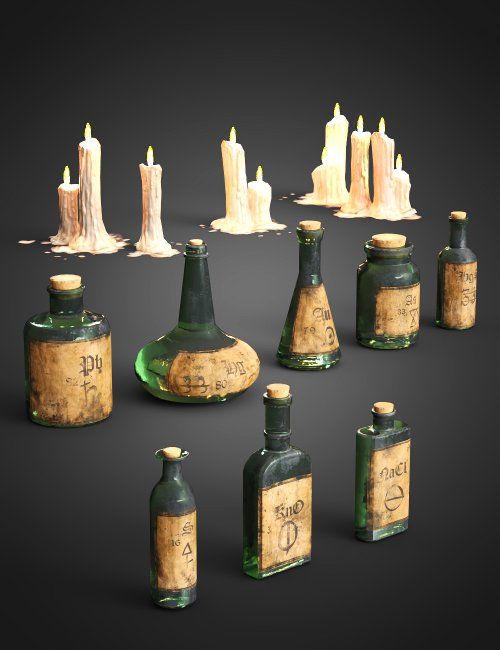
Some inspiration for my collectibles:

Blog Post 4

Some updates for my garden game~

I found some garden assets, including a bathtub mesh. I want to add old pieces to this, but I don’t know how to properly texture something like a bathtub to look worn and old. The idea is to create a small pond inside the tub, with some plants growing inside, like lilypads.

Added more rocks and trees and reintroduced fog. Some of the assets I downloaded come with textures and materials, but I’m not sure how to apply them (will ask in class).

Added some omni lights to create a night-garden vibe.

Sample walkthrough:

Moving forward, I’d like to learn how to make some of my own assets, like lamps, more plants, pathways, and miscellaneous objects.

UPDATED AFTER CLASS 3/25

Beggining to add grass, lilies, more detail:

Blog Post 3 & 4

Blog Post 3:

I am working on my garden game project. The theme is a nighttime or evening garden (I haven’t fully committed to a mood yet) where you can walk around and interact with objects. Right now, I’m working on showing the player around so they can see different trees and plants.

At first, I was using more detailed assets I found online:

As you can see, it has minimal lighting to give off a nighttime vibe.

Blog Post 4:

However, I decided to turn up the brightness, remove the fog, place more plants, and design the space to see more easily while I continue developing this. So, for now, I have it as a brighter environment. I also replaced the plant objects with low-poly plants I found online, as I’m enjoying that aesthetic more for this game.

Added trees:

Added rocks and mushrooms:

I plan to reintroduce the moody lighting, but for now, I am working on placing and organizing all of my objects.

More to come soon!

User Feedback

Here is the feedback from my game. It seems like some people were able to get it running, while others were not.

Overall, I appreciate the feedback, and will be attempting to correct the errors.


Week 2 – 3D Level Progress

Began creating a 3D level during the second class.

I started by building rooms on their own while following the class demo, and then saved them as they’re own individual nodes. Made windows for one of the single door rooms, may add more later to the other rooms.

Combined many rooms together- rooms with 1 door, 2 door, and 3 doors. Changed lighting to a warm reddish hue. All rooms at the ends have one door intentionally to mark the ending of a section. Added a player, starting in the single door room with a window.

Video walkthrough:

Week 1 – Maze Progress

Started the maze homework today. Built walls, a floor, changed color of the sun/sky, and added a player.

Views from the player’s perspective:

Video example:

Nodes/Meshes:

Week 1 Progress

Added more tree duplicates.