The Quandary of AI Use in Our Classrooms
Note: This is the first post in a series about how BMCC are addressing generative AI in their classrooms. Interested in sharing your perspective? Email us at FacultyCollaboratory@bmcc.cuny.edu for more information.
Over the last few years, I’ve watched as our campus and departmental policies on AI use are debated, including attempting to prohibit it entirely, insisting on citing it as a source, and encouraging its use as a key research and career skill. We’re at a complex point where we’re simultaneously trying to encourage and control systems that we don’t fully understand.
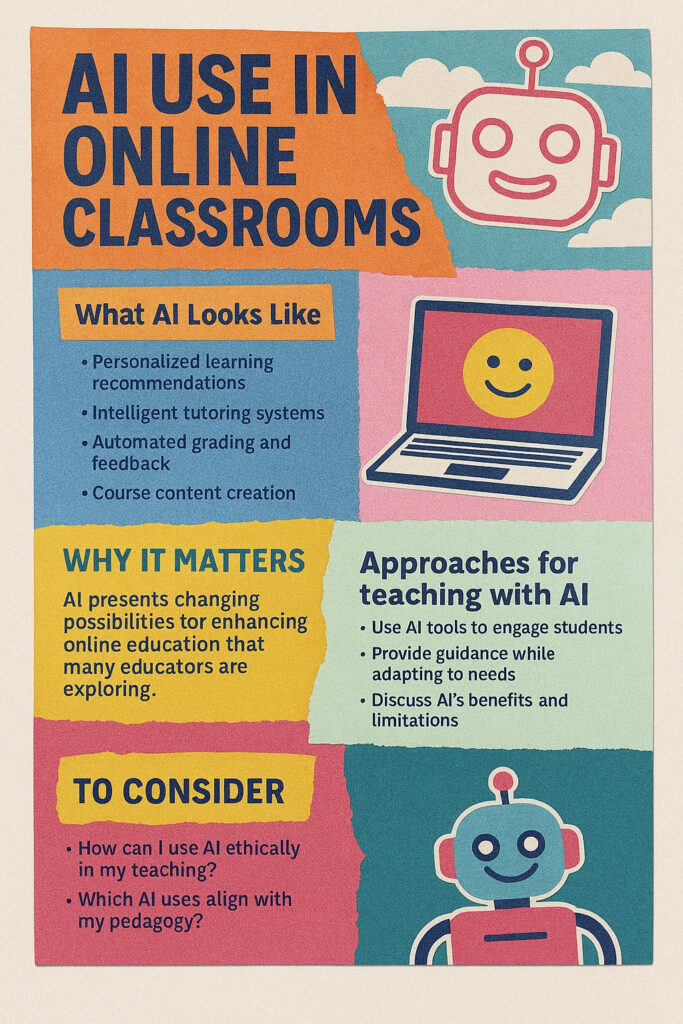
CUNY now provides all of us, including our students, with access to Microsoft Copilot, which is built in to our email and can “help” us generate and edit academic content in our documents. Content here is not limited to text, as Copilot can generate images, and produce a variety of visual file formats for you to download. Curious to see what our institutional subscription affords us, I logged in to Copilot, and it immediately welcomed me by suggesting three ways that I could use it in my daily work. Here is a screen shot of these suggestions:

At first, I was mainly concerned with how to prevent, or at least mitigate, generative AI use in my classes. However, now that I’ve spent some time with it myself, my attention has shifted to how I can best use it in my teaching and my research. I believe that I would be doing my students a disservice if I did not include the effective and responsible use of AI in my classes. I cannot think of an industry where at least some knowledge of AI would not be beneficial. This is not to say that I require that they use AI, but I’m also not prohibiting it, and in some ways I am encouraging it. For example, when I have my students create a meme in response to the readings, or make a zine on Canva, or a pin for a participatory map on Padlet, there is a strong chance that they are using AI in some respect. I no longer see AI use as limited to asking a platform such as Microsoft Copilot to respond to question because AI is now built-in to so many of the platforms we rely on, it’s likely that we are already using it without being aware of it.
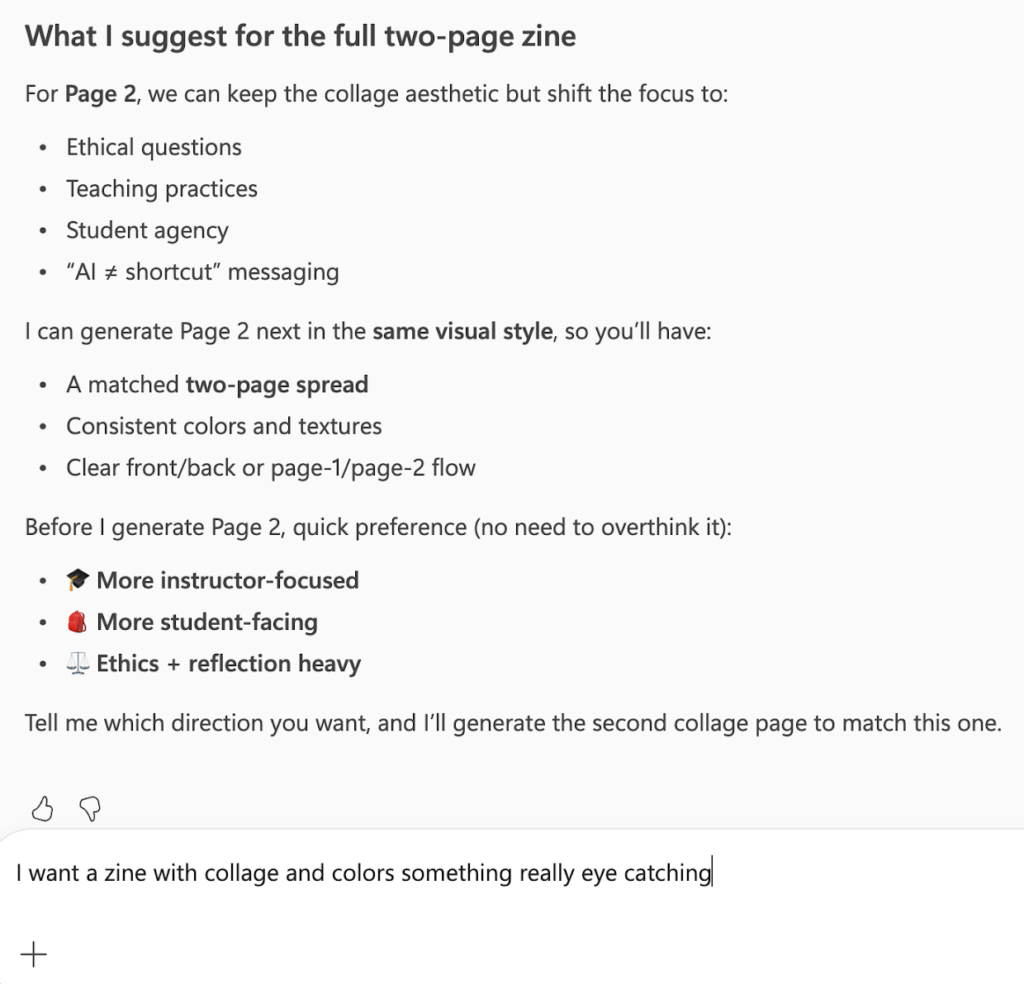
Microsoft Copilot:
Ideas for a zine assignment
AI capabilities are increasingly available, and, as they become more refined, increasingly undetectable. I recently had a conversation with a colleague who works with AI in her research, and I said that I was still struggling to differentiate between generative AI and agentic AI. She told me not to worry about distinguishing, because it’s not that there are different types of AI, but rather, the types of tasks we assign AI are what determine their function. In other words, AI can already seamlessly act as a collaborator, or as a task manager.

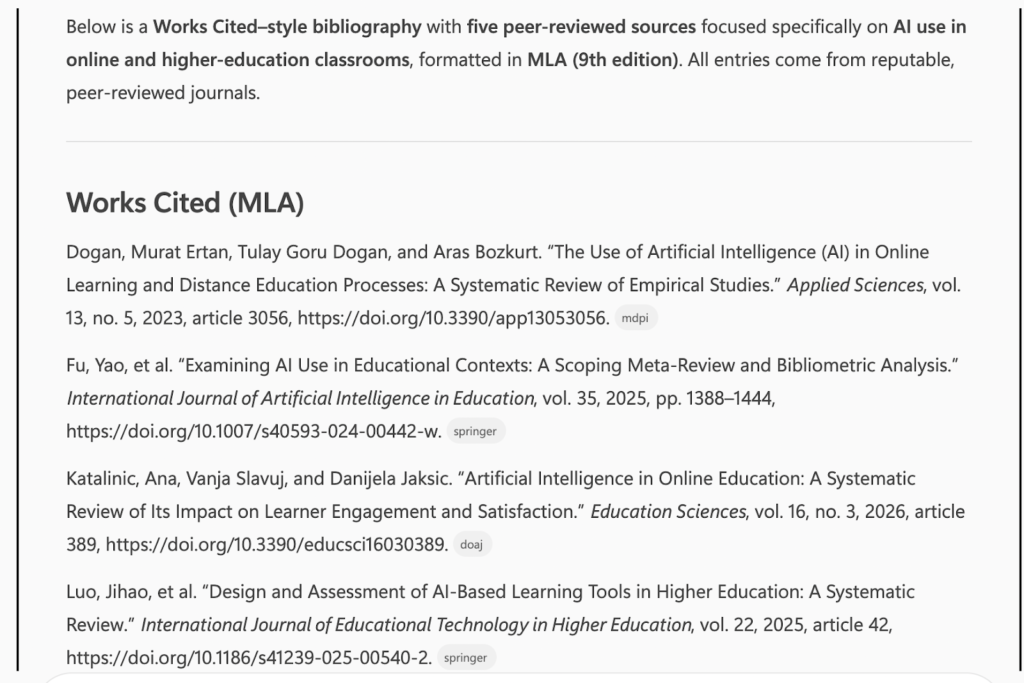
I’m trying to learn more about AI as I work to incorporate it into my own life, because at this point, I’m still not entirely sure what it is since it is now enmeshed in many platforms. In January I completed a three-part AI training conducted by Dr. Anthony Bishop, a faculty member in the BMCC library, which I would highly recommend the next time it is offered. The training provided an overview of AI and included group work around how we might use it in our classrooms. Dr. Bishop has also compiled an extensive guide to AI literacy that includes various platforms, readings, and other media regarding generative AI.
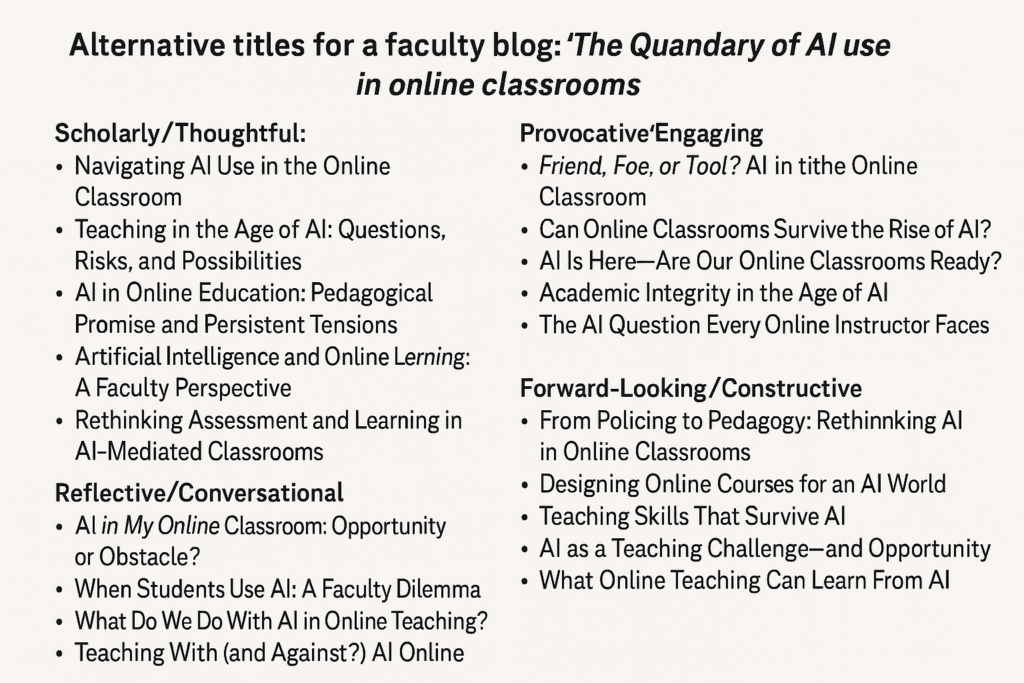
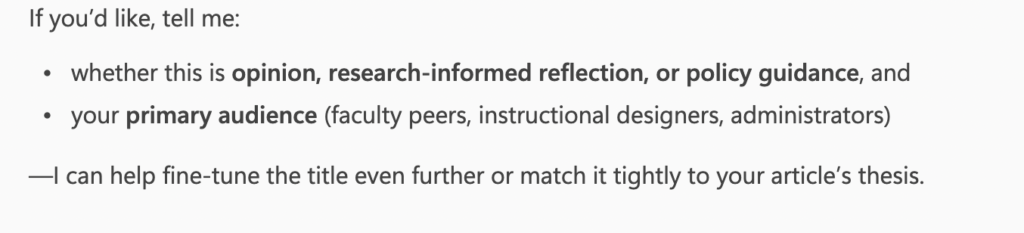
Copilot: Suggesting ideas for the title of this blog post
It’s difficult to believe that AI has only been widely available for public use for a few years now. As rapidly as it is being embedded in everything we do in our virtual lives, I can only imagine what developments will occur in the near future. I anticipate that in a short period of time, we will no longer be having a conversation about whether we should use AI, because it will be so endemic to everything we do. Arguably, it already is.

Elizabeth Whitney
Elizabeth Whitney is a Professor in Speech, Communication, and Theatre Arts, and the Co-coordinator of the Communication Studies major. She also teaches in the Gender and Women’s Studies major.

Thank you, Elizabeth, for sharing all of this about your approach to AI in your classroom! I had a couple of questions come to mind while reading about your experience thus far in working with students: 1) how have you communicated the expectations for AI use (especially about the degree to which they should/should not rely on it) to students; and 2) how have the students responded? I realize there may not be short answers these questions, but wanted to throw them out there for discussion, knowing there may also be other faculty working along similar lines.
Hi Tom–thanks for these questions. I’m still thinking through all of this, so I’ll share my thought process at this point. I do have a policy on Brightspace regarding use of AI, although at this point I think it’s more performative than anything else. Some students have cited AI use in their work, although I suspect the majority don’t. I also suspect that as AI has become so normalized for them they may not even realize they are using it–for example, when google docs says, “write with gemini,” or “help me write.” As this sort of support becomes endemic, I think it will be increasingly difficult for students to distinguish when AI is part of their writing, research, and other creative processes.
Thank you Elizabeth for sharing how you are thinking about using AI as a collaborator to your teaching and research! You have illustrated great strategies to integrate AI as thought companion. It would be interesting to learn how you are 1) thinking about using AI to assist in designing process-oriented assignments that require students to also consider AI as a thinking companion that guides them to engage with the assignment/problem and 2) how would you prepare your students to use AI as a resource to their critical thinking and not a quick solution provider?
HI Suparna, Thanks for your comments and questions. I am actually using Canva and Padlet for many assignments, and these do include AI for multiple design process-oriented assignments. For example, I have students choose a term related to course material to research, and then create an educational flyer about it. Canva has a wide variety of pre-fab templates for this, and my thinking is that even if students use the AI assistant to design the flyer, they still have to populate it with information (I give them a rubric that includes a bib with at least three sources). I’ve been puzzling a lot over what it is I should be teaching my students in terms of how to do research, and I know it’s quite different than what I was taught. Right now, I’m focused on these creative methods of organizing research, such as the one I mentioned on Canva. Other examples include collaborative maps on Padlet, and zines on Canva.