This page has links to resources that will help you throughout the class and you can refer to after our class is over.
File Management
It is going to be important for all five of our modules for you to learn how to save, name and organize your files. We will learn this as we go and the page will be here for you to reference.
Visit the File Management Page
WordPress
WordPress is a no-code web site creation and management platform that powers many of the site on the web. We will be learning how to upload media and create posts in WordPress.
Portfolio
As the class progresses, we will talk about portfolios. This page is not up yet but come back later in the class.
Resource-related Posts
These are posts about resources that help you across the modules and potentially for other classes.
-
Introduction to After Effects
As we go over After Effects (abbreviated as AE for short) in class, I will add to this post some of the concepts and resources and tutorials we cover. Please feel free to add comments with links to resources you find helpful and you can also ask questions. AE Interface The interface for AE can…
-

Where to find free images
When you use an image on a web site, you must obey copyright law and only use images you have an explicit right to use. So, searching Google Images is NOT the way to find them (unless you take additional steps shown below). What You Can Use The general rule of thumb is: Only use images where…
-
Photoshop Compositing
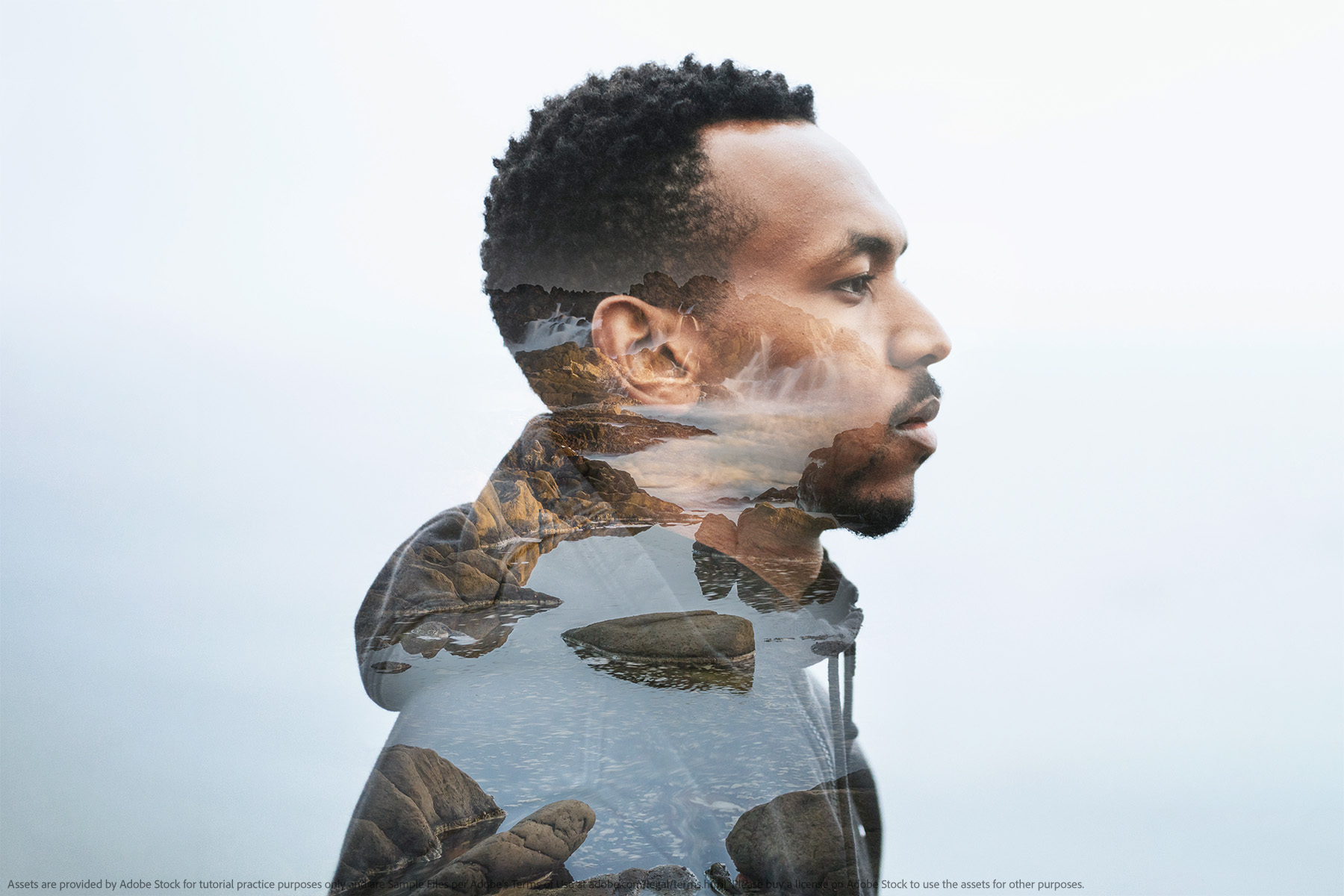
Composite images are images you make by combining multiple images. There are many ways to combine images in Photoshop but we will focus on a few techniques and tools that will help you. Hands-on Tutorials Photoshop has a number of built-in tutorials that help you learn how to do things. The Hands-on tutorials are nice…
