Login to Adobe Creative Cloud using CUNY First credentials: firstname.lastname12@login.cuny.edu
Videos
- Lecture: Digital images
- Demo: Photoshop intro
- Demo: Open Lab post
- Demo: Compositing
- Demo: Filters and adjustments
- Demo: Open Lab comments
- Demo: Patterns
- Demo: Image project submission
Creative Commons: licenses and search engine.
Best practices for attribution.
Contents
Resources
- Resolution reference: “DPI love – Easily find the DPI/PPI of a device”
- Adobe tutorials:
Project
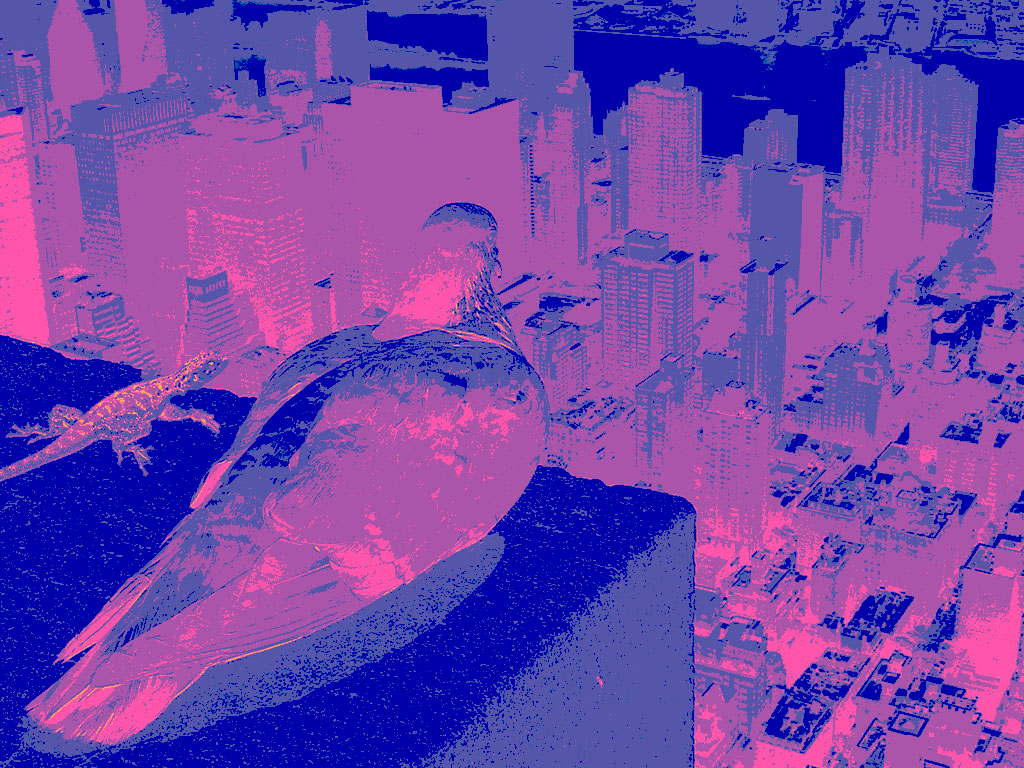
Using the techniques covered in class, created a digital collage combining source images in Photoshop. Use tools we’ve covered in class (adjustment layers, filters, masks, etc) to create your composition. You may only use images in the public domain or with a Creative Commons license, or that you created yourself.
Submission
Create a post on the Open Lab with the following:
- Export an image for the web, using .jpg format
- Project statement
- Project title
- Semester and year created
- Software and/or languages used
- 3-4 sentence description of your creative and technical process. For example: Why did you choose the images you used? How many images did you combine? What were your sources of inspiration? What was the most challenging part of the project and how did you solve it? etc.
- Credits for all images you did not create yourself, using this citation example.
Upload the following files to Brightspace:
- The PSD (Photoshop) file for the final project
- Link to the Open Lab post
