Twine progress


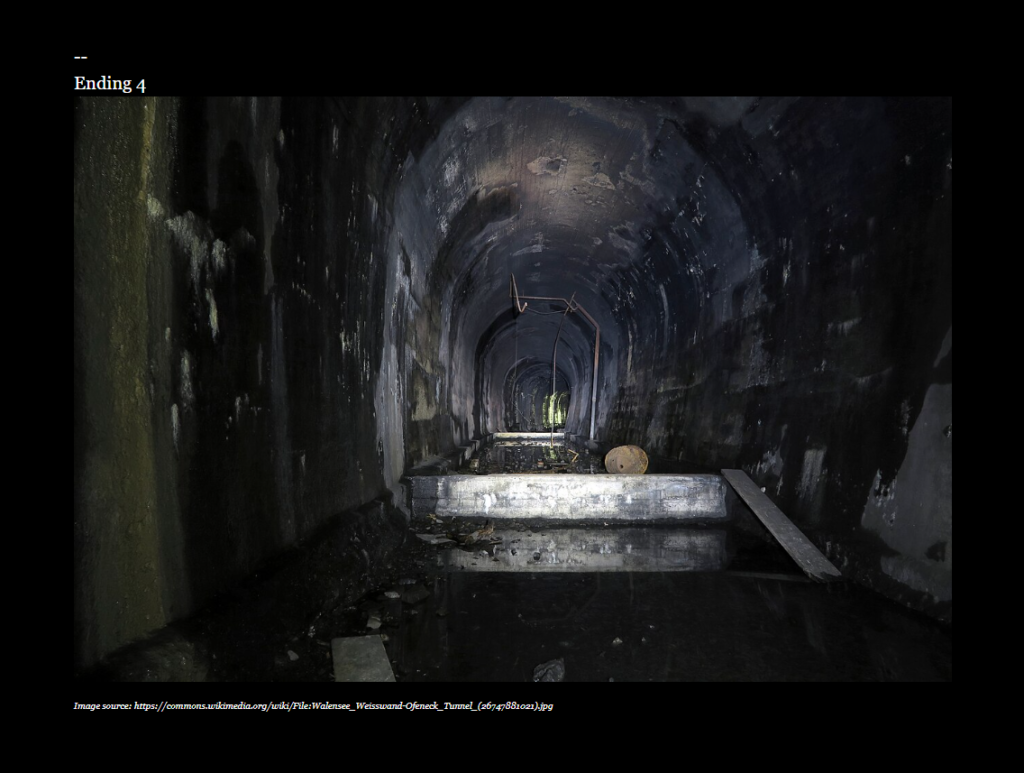
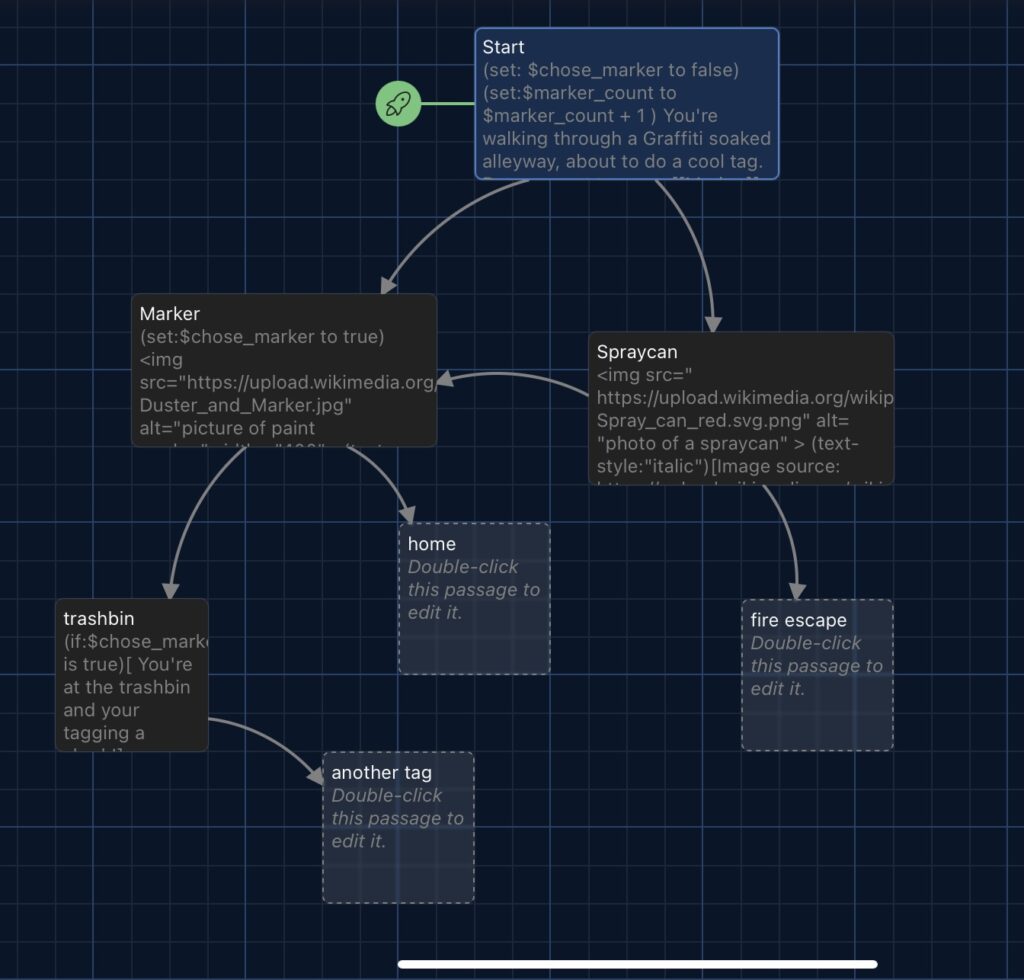
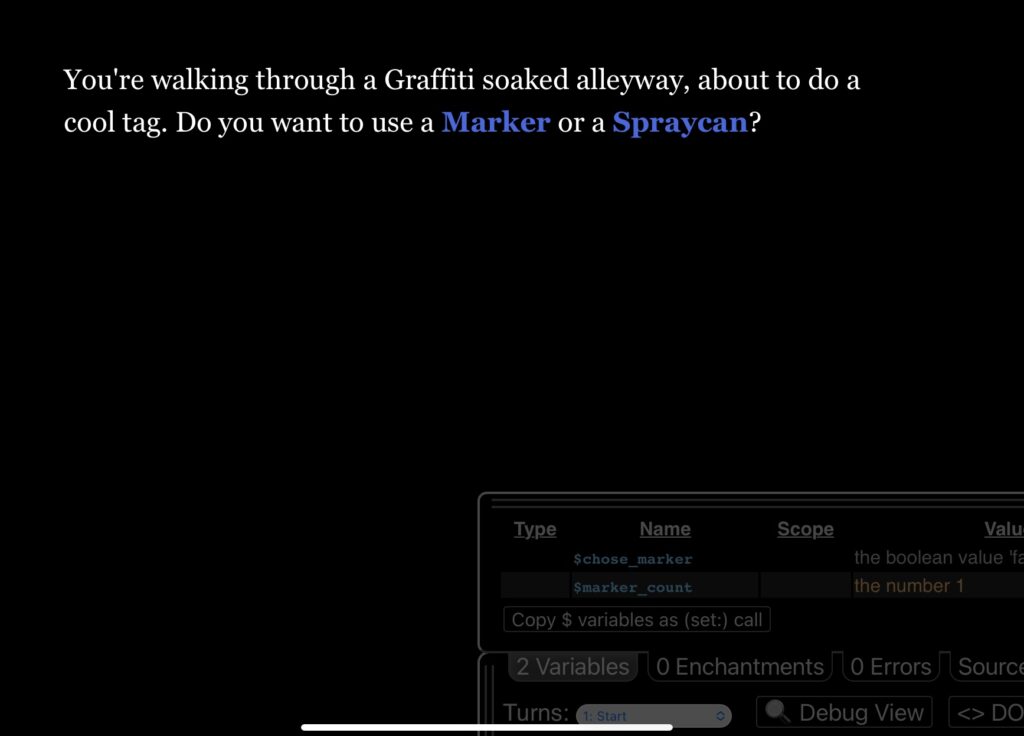
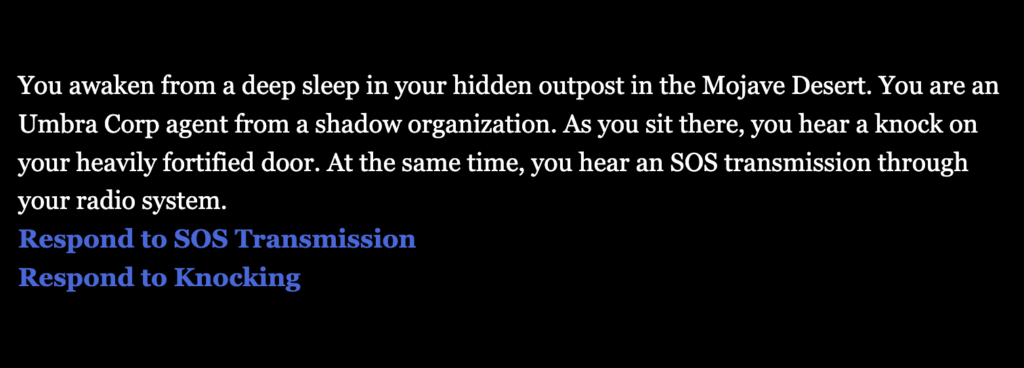
For my updated Twine story, I added an option that allows the player to respond multiple times to SOS messages if they choose. I also added two additional passages as options for the player, each including two images. I plan to expand these passages further to extend the story.
Twine project 2

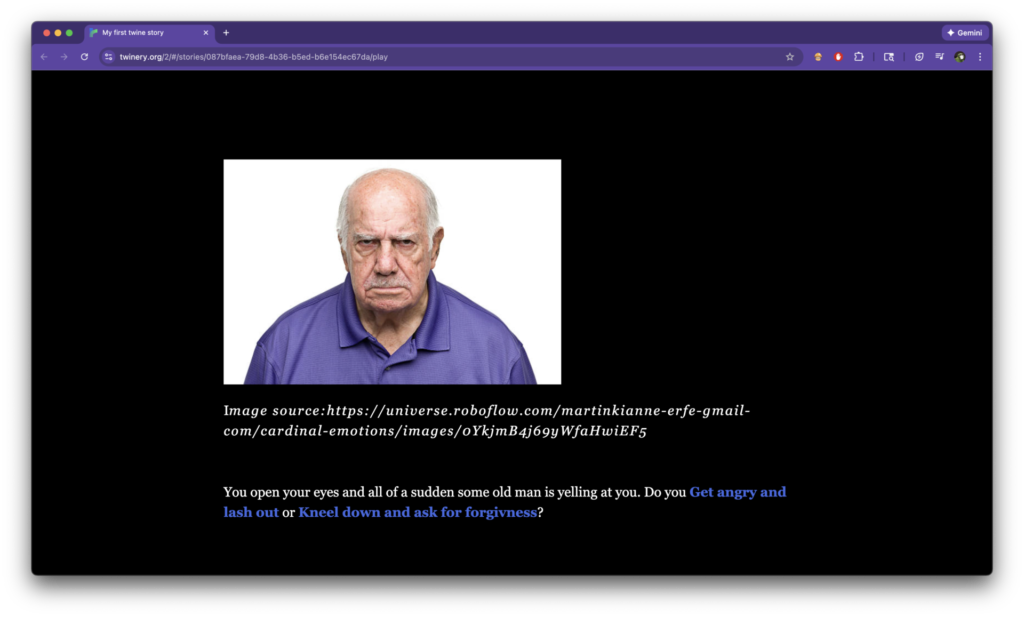
Here’s my updated tween project; I added more visuals this time and edited the text.

My twine project – week 2

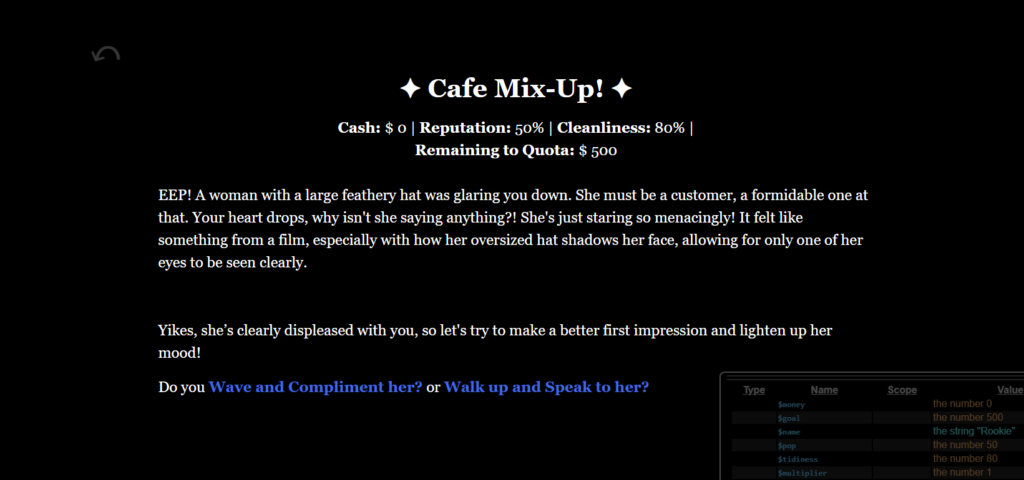
Hello, I did not do much on Twine this week, as I was concepting drawings to use within the game! I intend to keep the Cafe Mix-Up name for my project, as I thought it would be cute. In the week coming up, I’m going to finish the story. I’m considering simplifying the money goal since it’s too big for a simple Twine project.

Published
Categorized as Twine

Twine Blog Post #2

I added some new pictures to the story to make the game feel more real and more enjoyable to play.

The scenery images are set to about 80% width and others stay at 50%, so that the pictures don’t get too big and cover up the whole page.

I also changed the text so that it turns gray after players click a link on the page.
It makes the page less tiring to look at and helps players focus on the new parts of the story without seeing too many words at once.

My Twine story-week 2

This week, I completed the full story. Using if statements, I created many textual variations based on player choices. The next step is to add images to most passages.

my twine project week 2

I continued my story and added some images. I also added a count for how many tissues you can take. At first the code seemed super confusing but as you start to understand it the whole process becomes so fun you want to continue working!

Published
Categorized as Twine

My Twine Progress

This week, I added onto my project and tried to include a counter that keeps track of how many Zodiacs are collected throughout the game. I plan on trying to add more variables so that I do not have as many cards.

my twine project

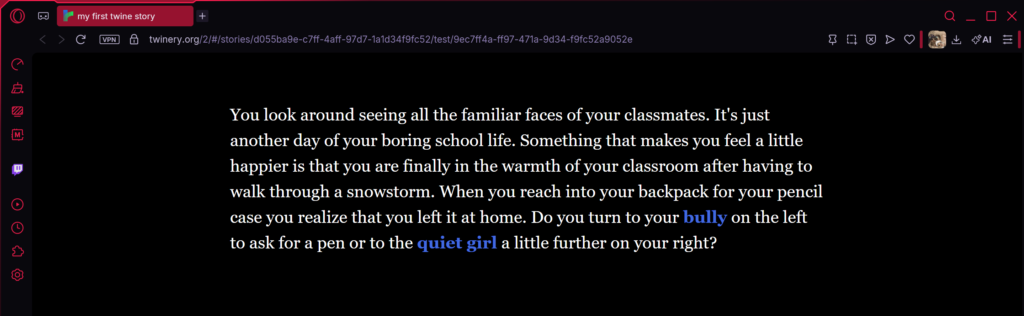
My project begins with a setting that is probably familiar to all: a usual school morning. My story starts with what seems to be a simple choice of whom to ask for a pen, but your decision will lead you to polar opposite story lines.

Graffiti 66 pt.2

Screenshot
Screenshot
Screenshot
Screenshot

Update on my project – Players can now choose to go back home or keep going. You can also tag more than once if you’re feeling risky. I added images and variables to make the game more interactive.

A Strange Place v2

I created images in my drawing program and edited the text in the game so it doesn’t feel like its dragging on with the use of variables.