Here is my current progress I’ve made over the second week of working with Godot. This week I learned how to make different types of enemies and import models into my game. I plan to expand the level and play around with how the enemies look like and polish the color palette so everything looks united.
Category: Godot documentation
Godot – week 1
I don’t have much for my game, as I just started everything this evening due to a busy week. I want to make an adventure or exploration game whee you walk around on a beach. I had an idea for a curved area near some water with palm trees. However, i’m not sure how to create curved objects or even make grass!
I was following a shader tutorial; however, nothing worked out, as my plane was pitch black. I’m planning on designing objects in Blender to import within the project.
I would love help with turning my idea into a real area!
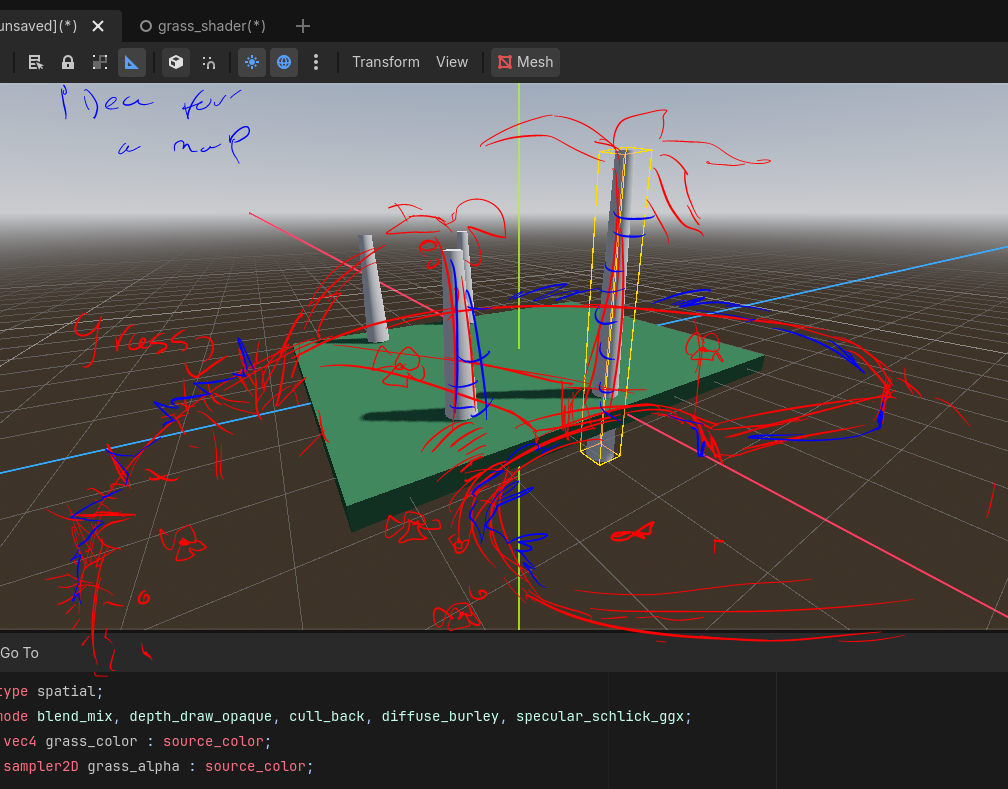

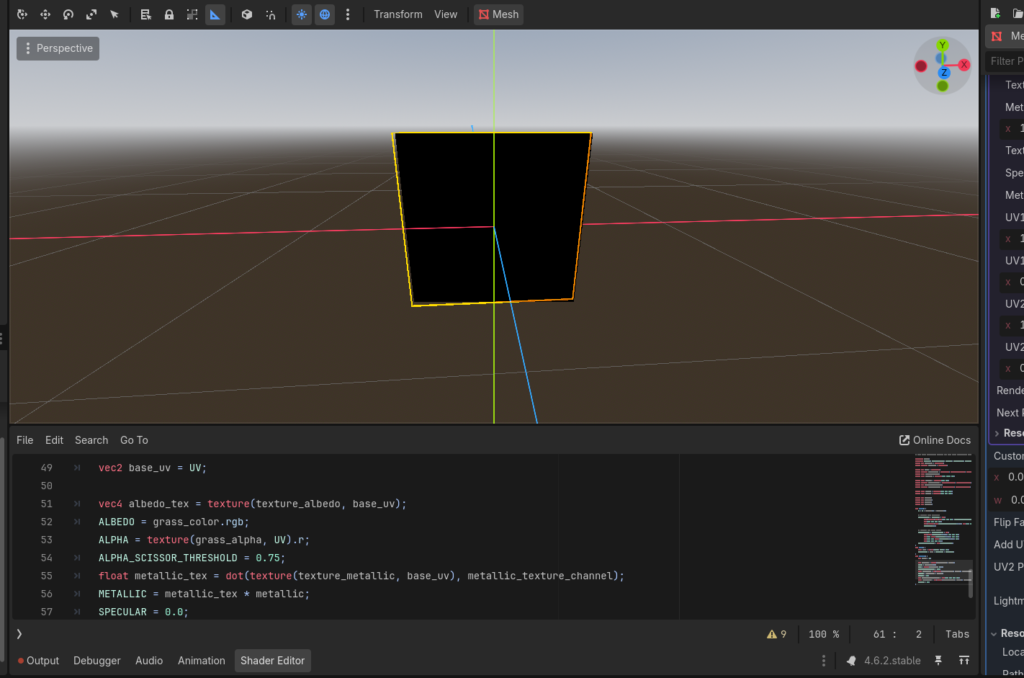
My Godot Scene
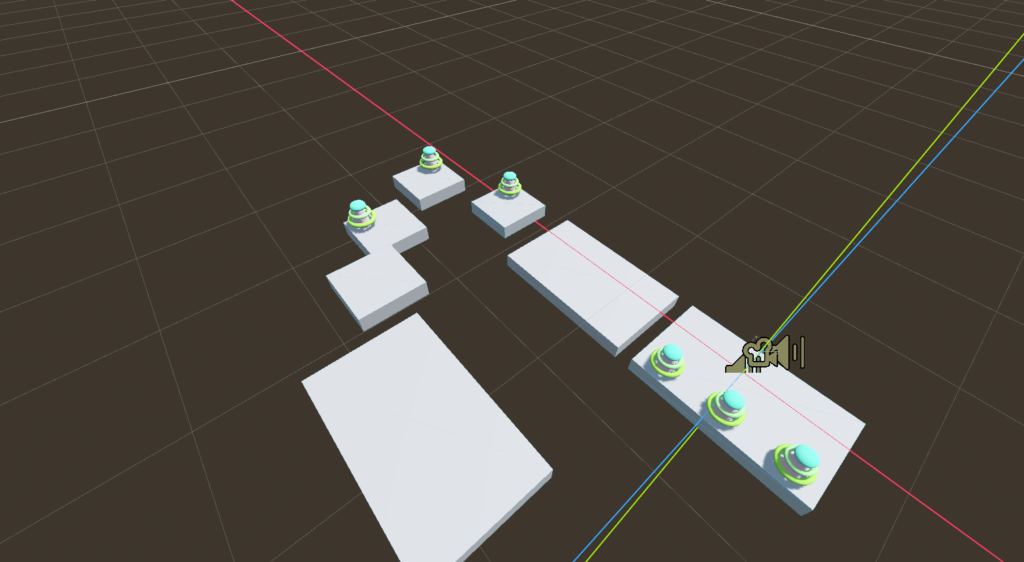

It is very exciting to work with a software, even though figuring out the controls is difficult. I plan to make my game in pastel colors and have somewhat of a magical forest feel to it. I think I will switch the layout of this level but I will definitely keep these trees.
Godot – week 1


This is my first Godot project, and I haven’t decided on the direction I will take with the game yet, but it will most likely be a simple forest with enemies chasing the player.
Godot – Week 1

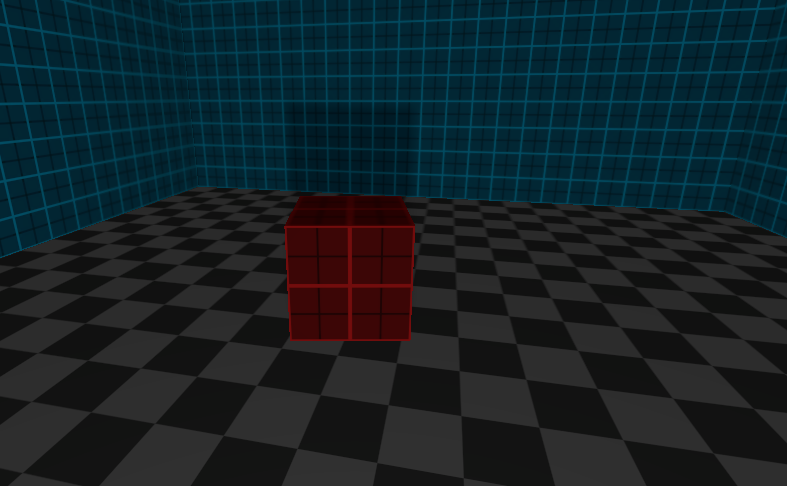
My Godot game is loosely inspired by early first person games where progression is gated behind finding and collecting different keycards. In this early stage represented by colored cubes. The level layouts will be mostly indoor like stages with somewhat maze like layouts and platforming sections.
My Godot Progress
Here is my process in Godot so far. I created a few platforms and added some trees for scenery, which has helped me get a better idea of how I want the game to look.